
AI drafts your figure, exact templates handle everything standards-bound — no more half-days lost in Illustrator or PowerPoint.
Applicable to







Pick the tool for what you need next — each one outputs a vector figure sized for journal submission.
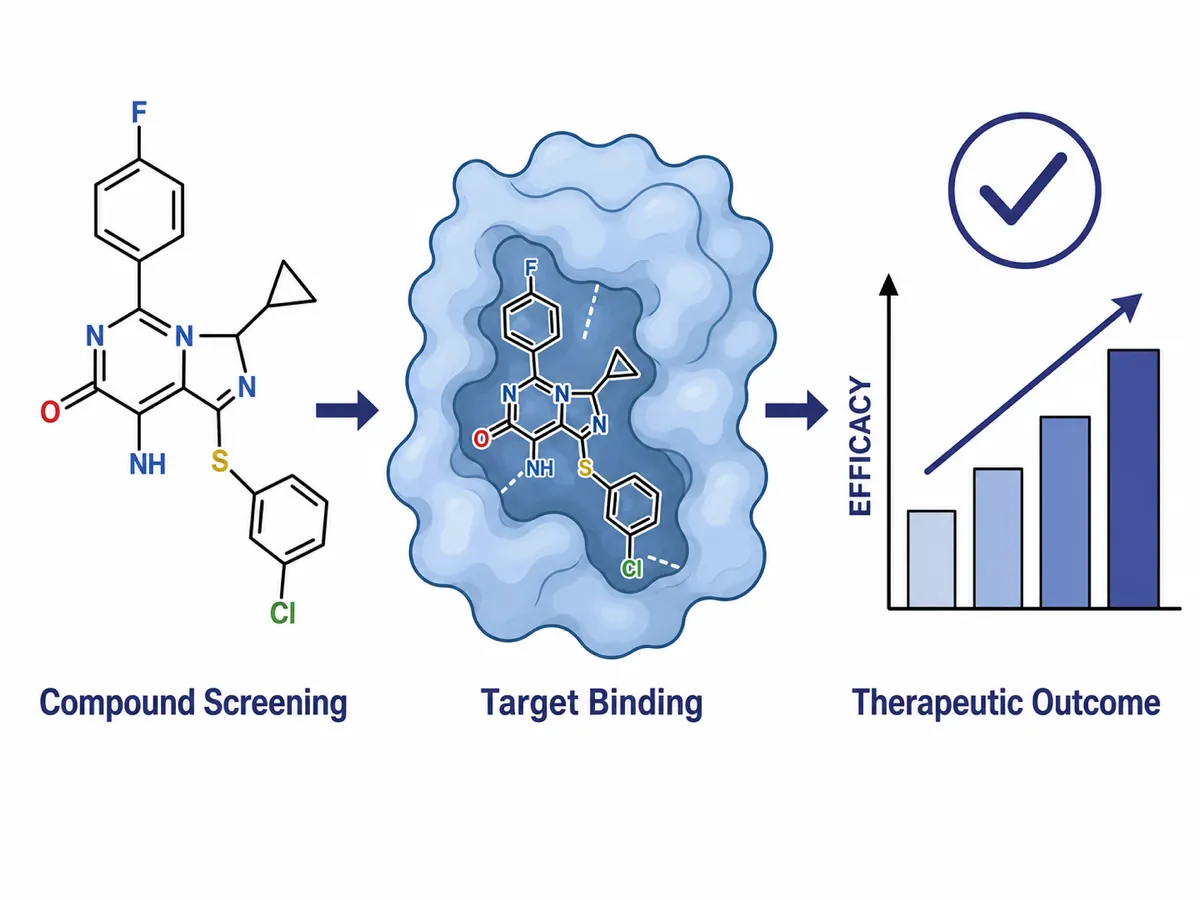
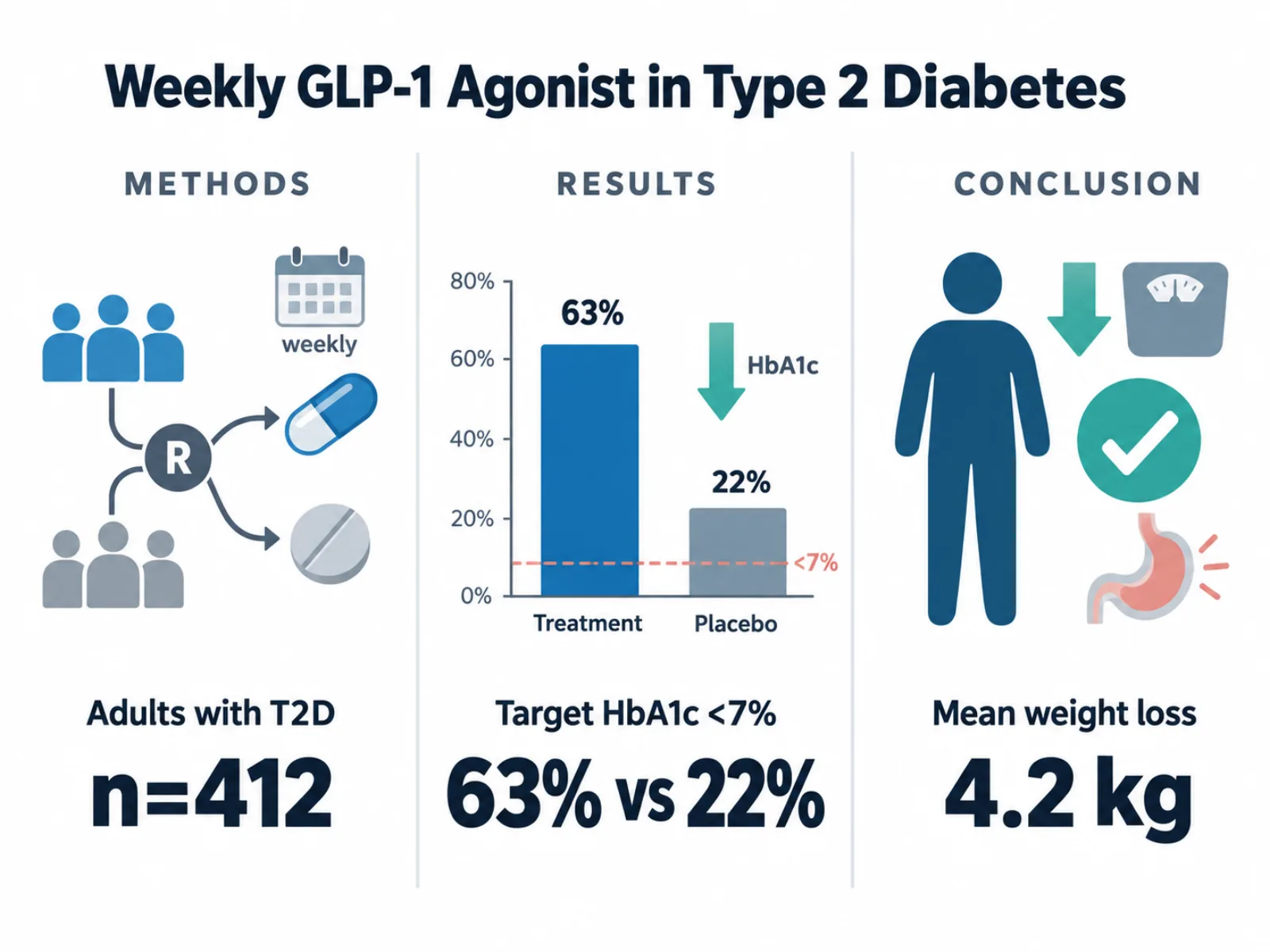
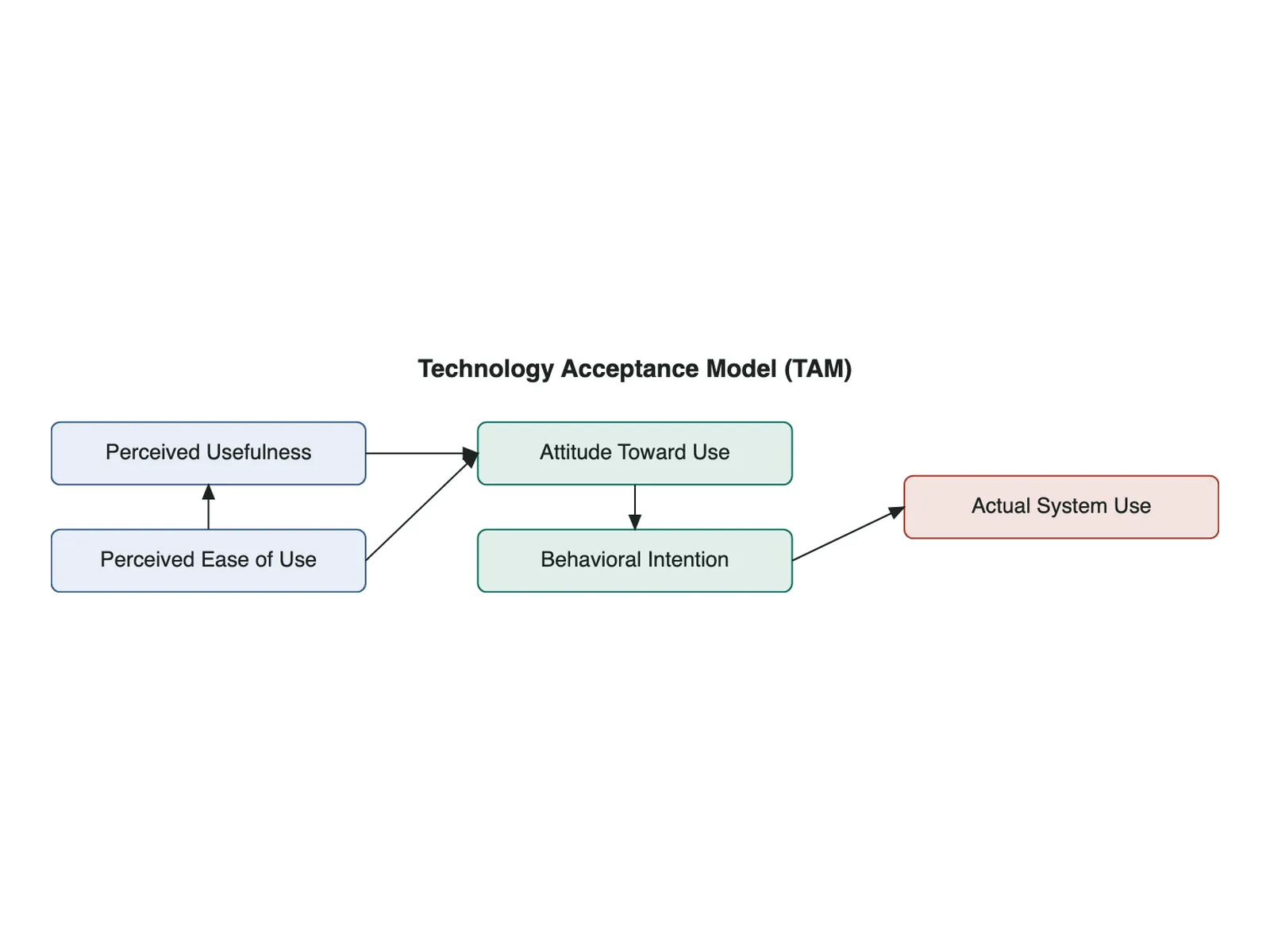
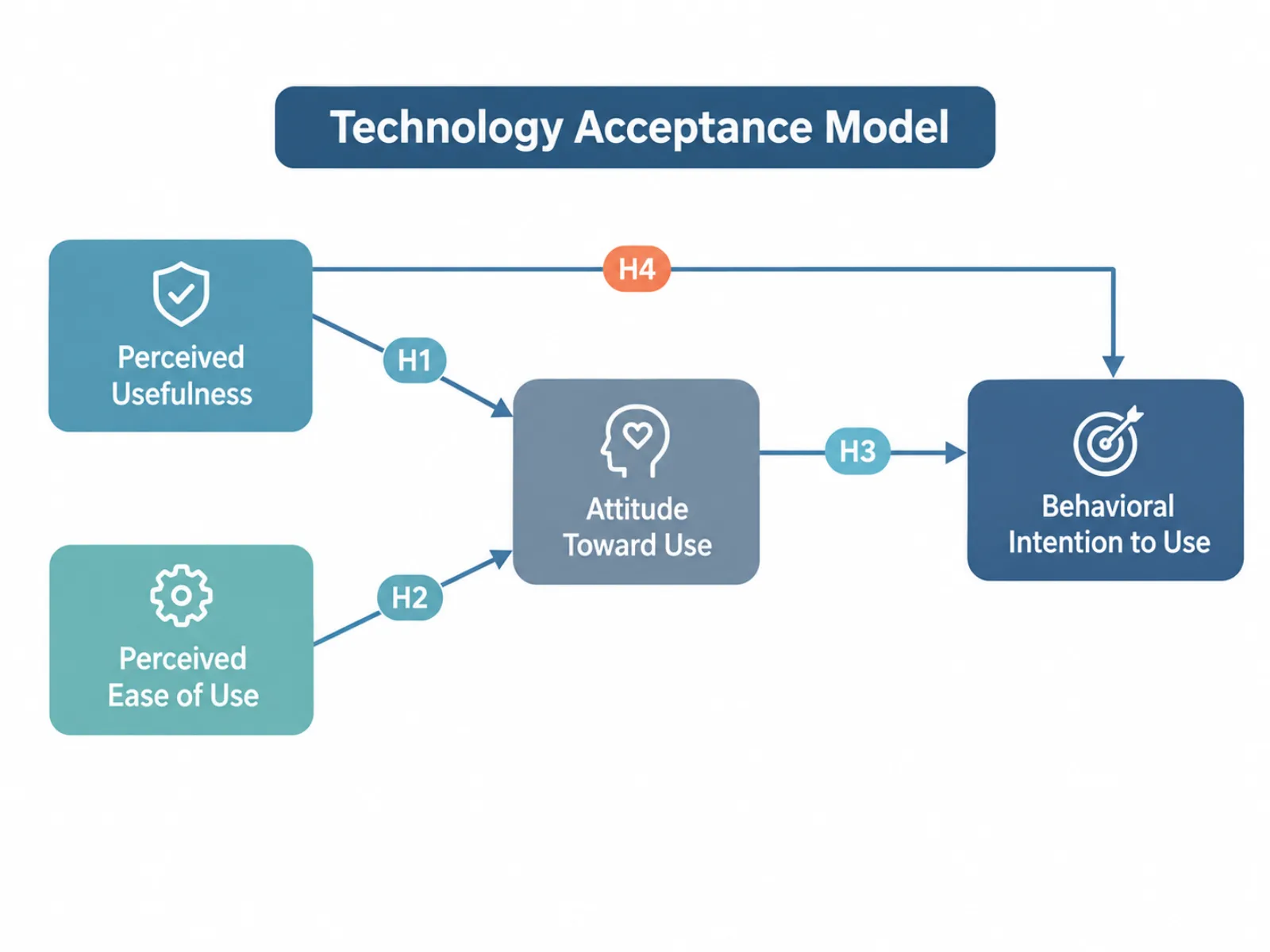
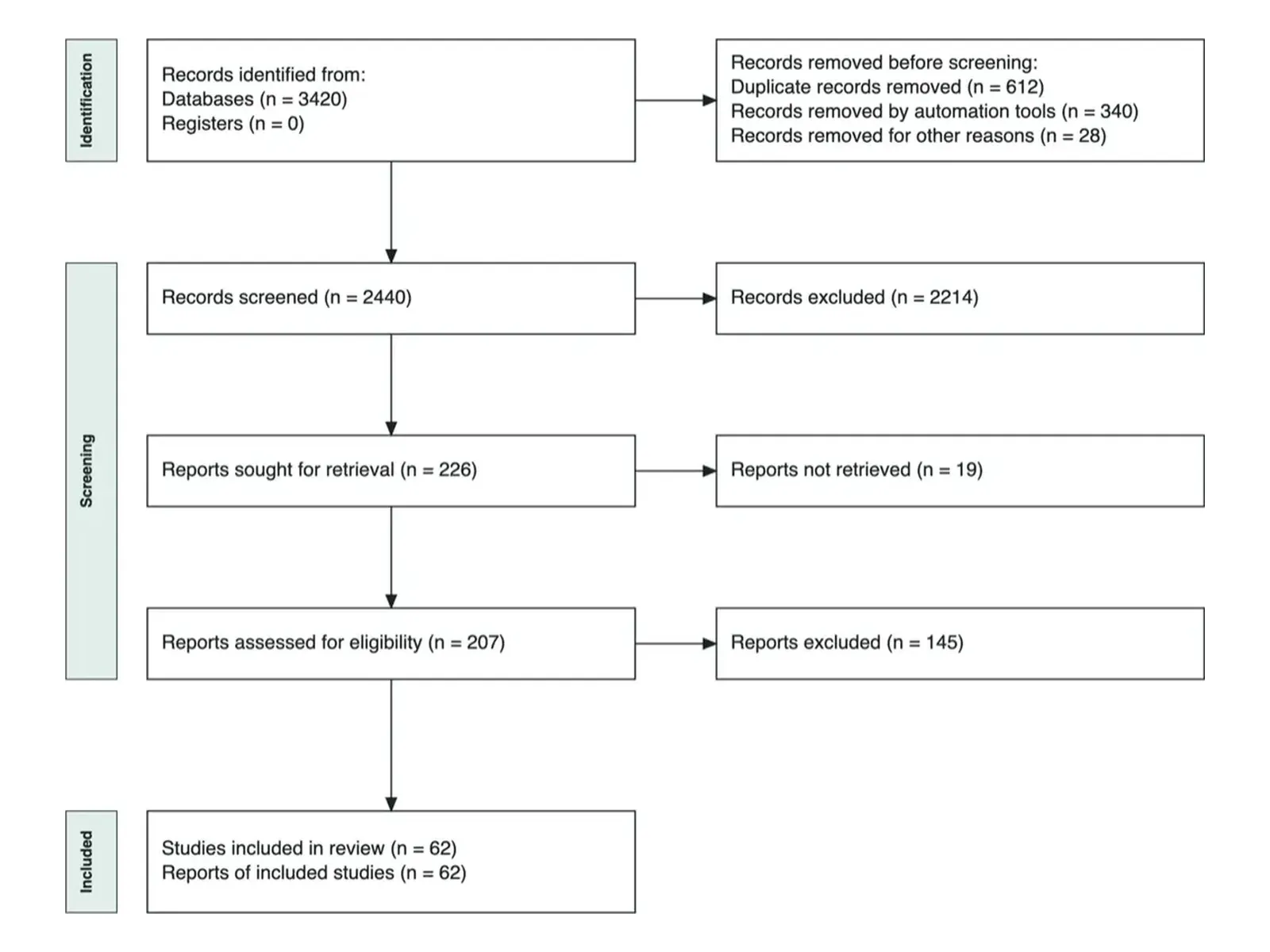
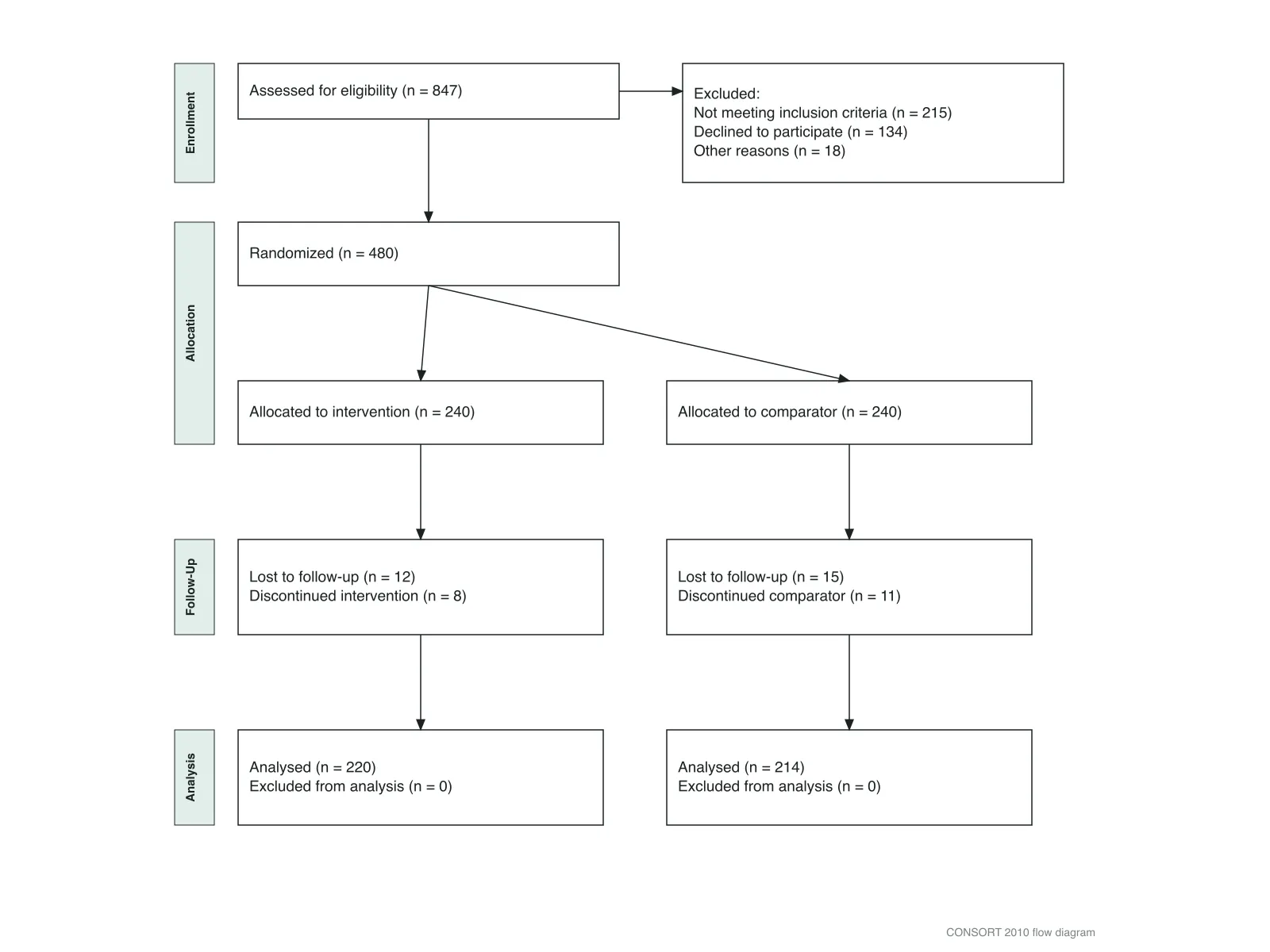
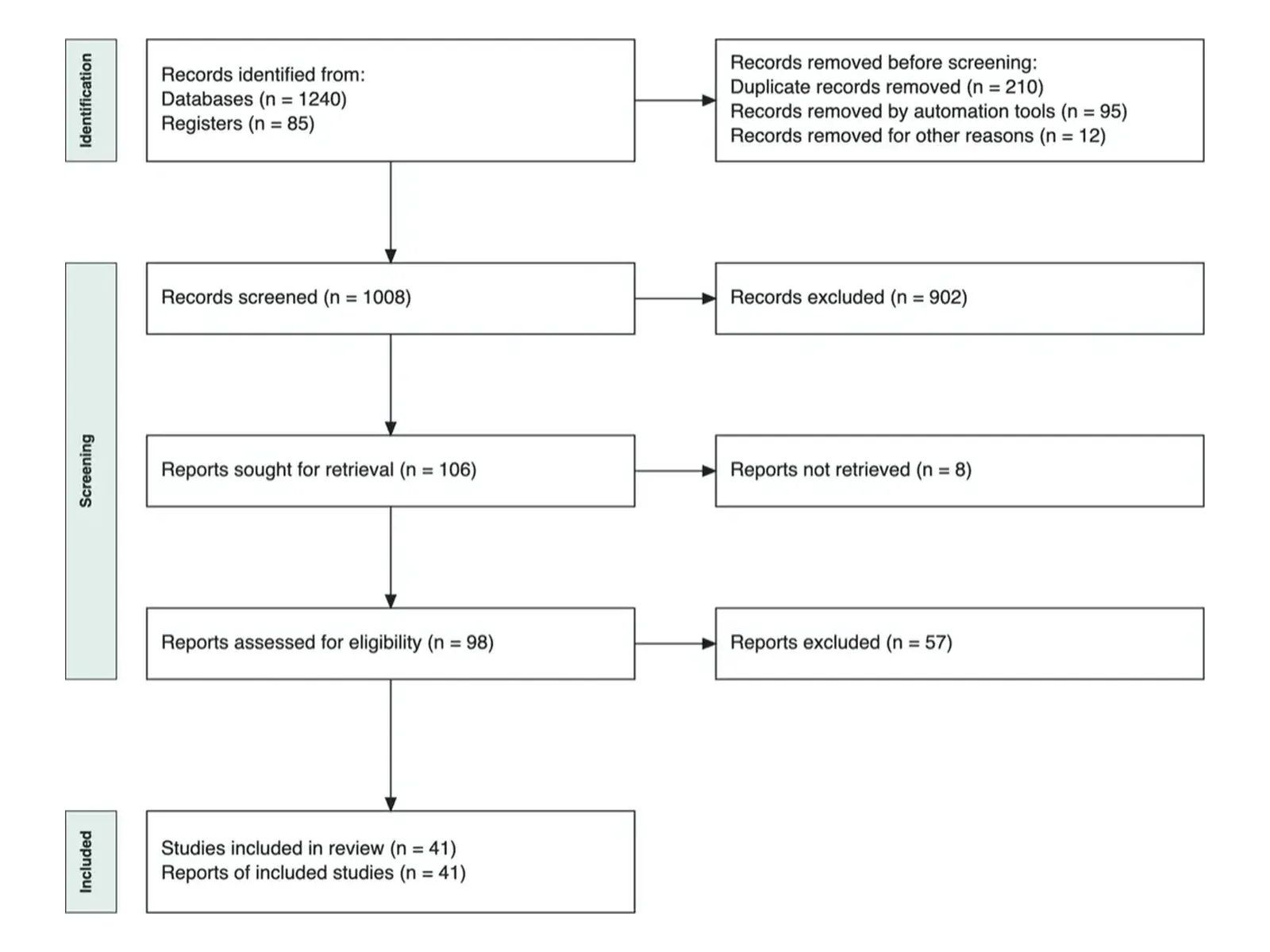
Graphical abstracts, conceptual frameworks and PRISMA diagrams across disciplines — a sense of what each tool produces.
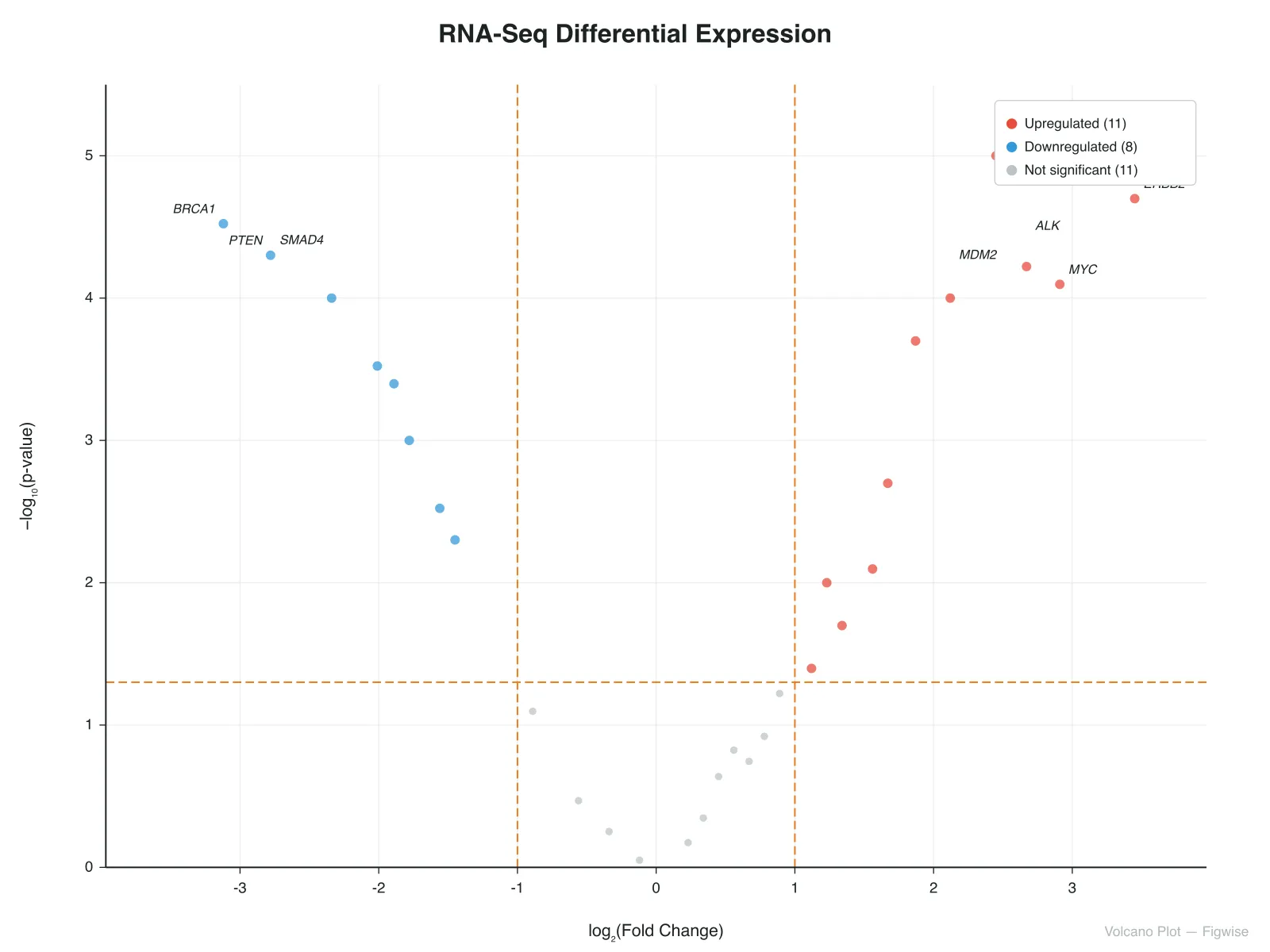
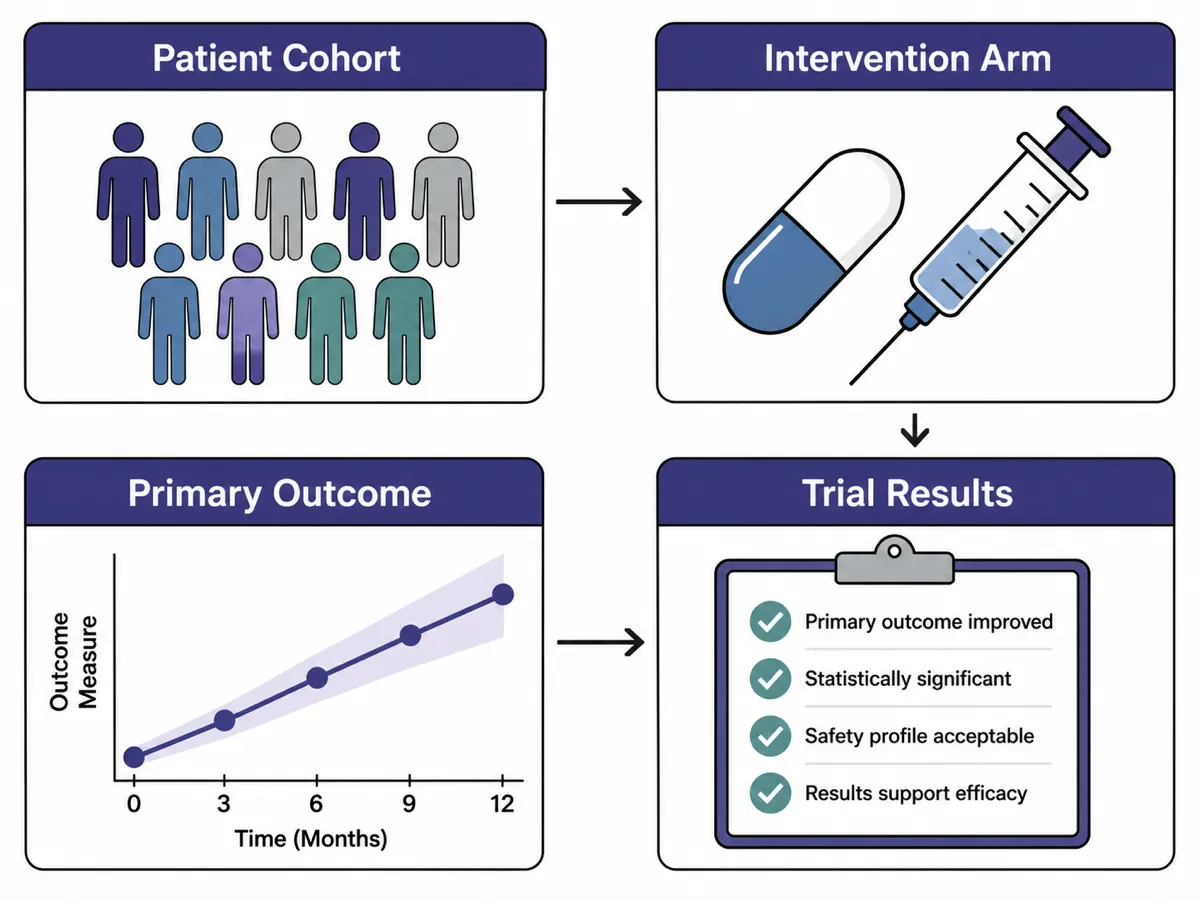
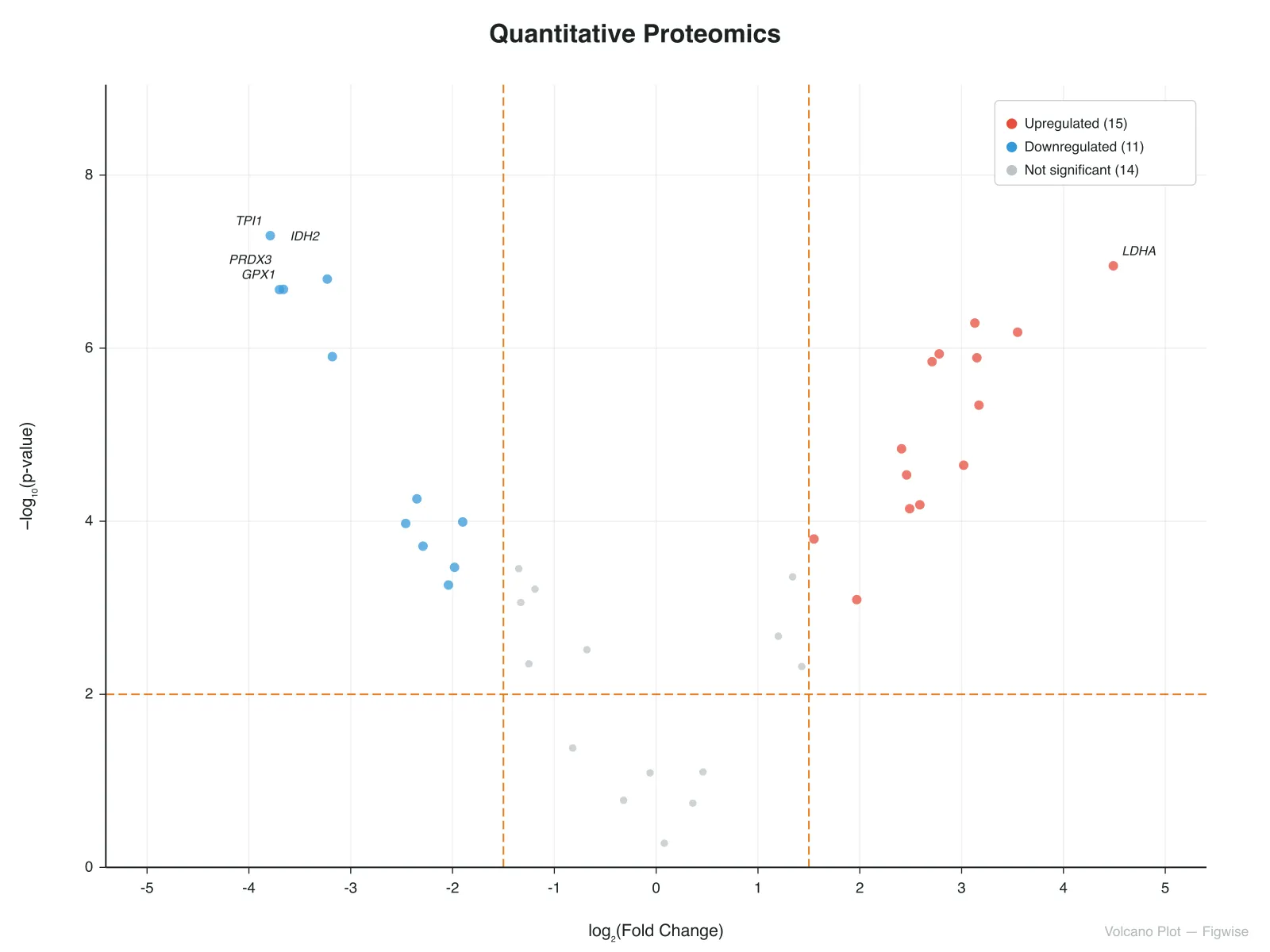
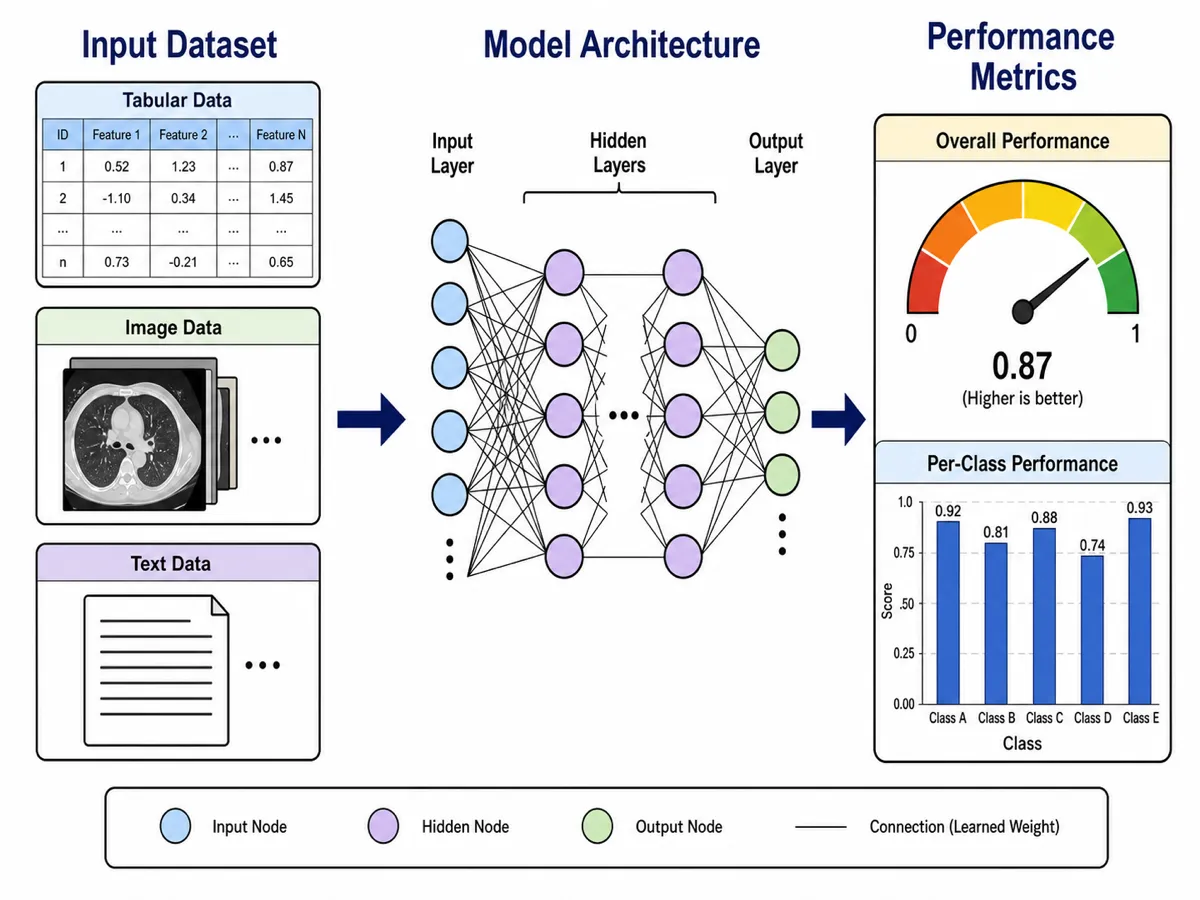
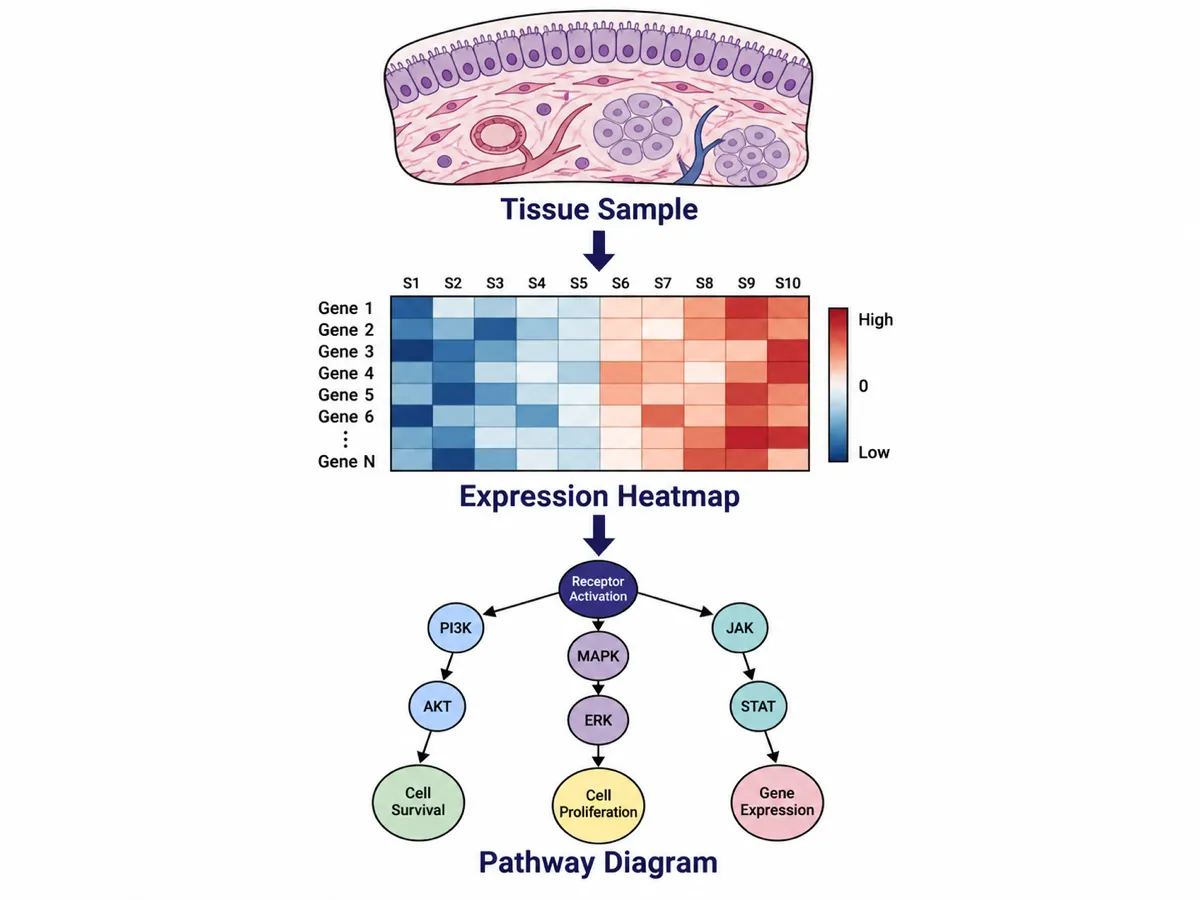
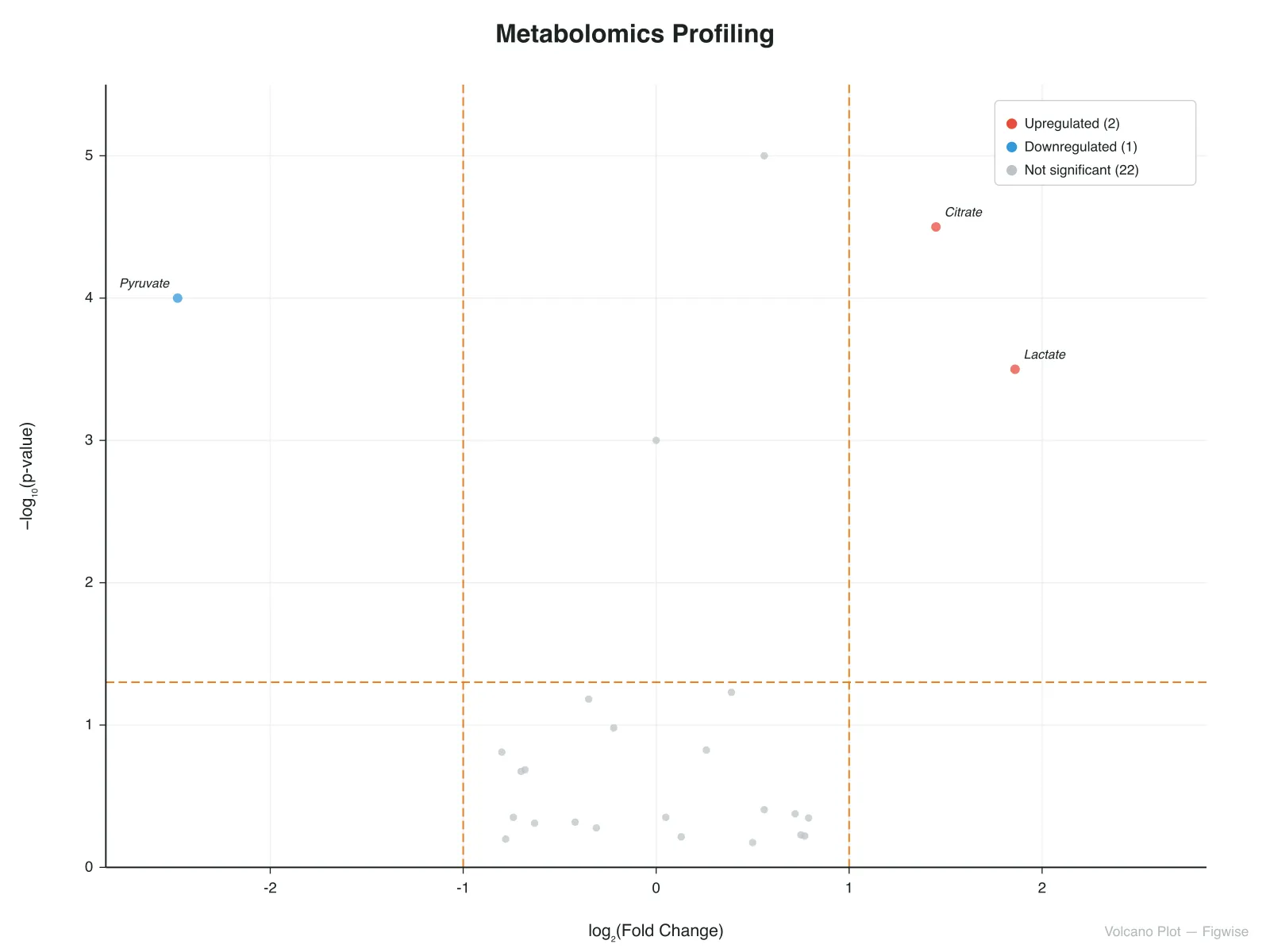
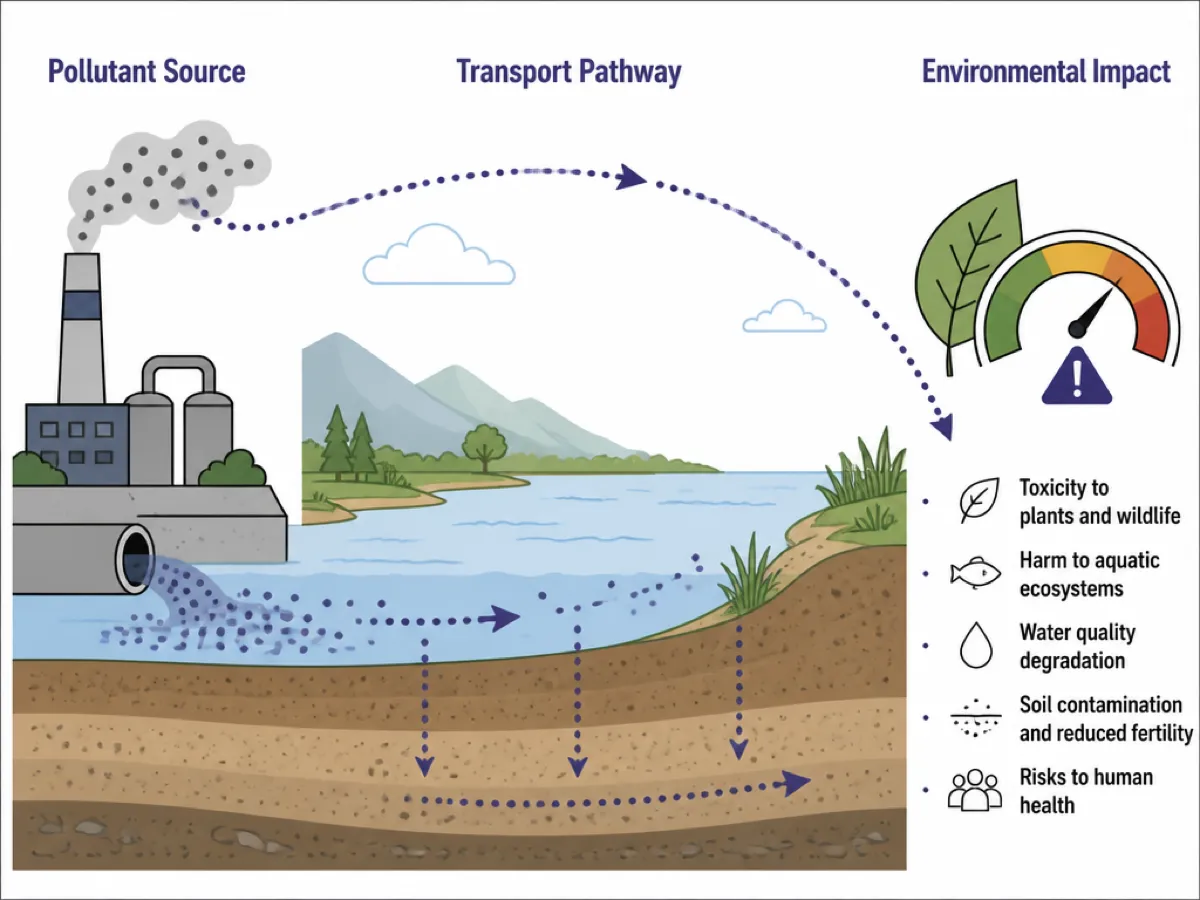
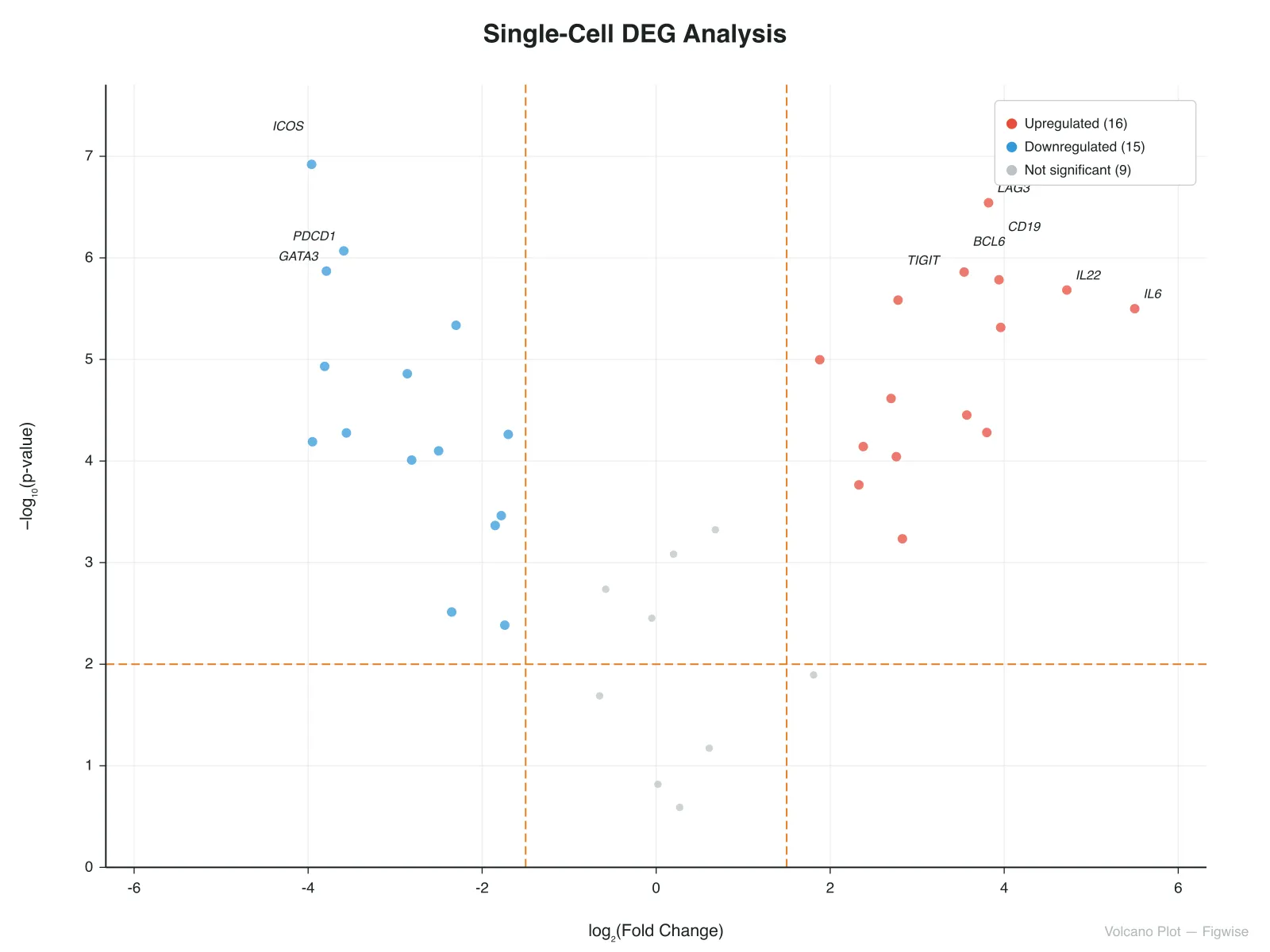
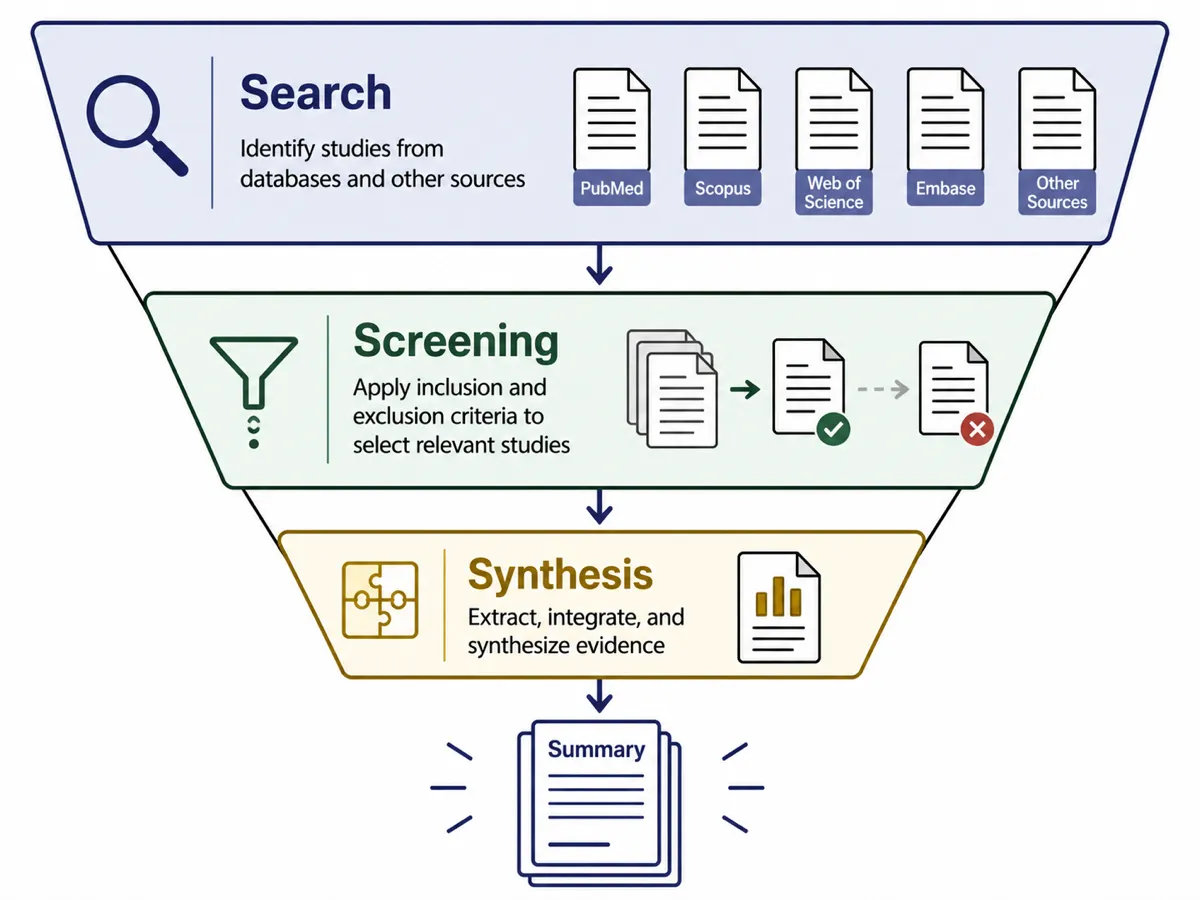
No design software required. Paste your text, review the draft, export at submission resolution.
Paste an abstract, or a short description of your design, variables, or screening process.
Check the structure before you commit to it — adjust your numbers or your input text and regenerate, without opening a canvas tool.
Download vector SVG, or PNG at the size your target journal expects.
Three places Figwise slots into the life of a manuscript.
Enter screening counts and download a PRISMA 2020 flow diagram with the official wording — nothing for an editor to query.
Describe a study in plain language and get variables classified into independent, mediating and moderating roles, drawn as a clean framework.
Draft a graphical abstract from the paper's abstract, then rebuild the final file with the structure already settled.
Feedback from researchers who use Figwise in their publishing workflow.
I used to spend an entire afternoon on a graphical abstract in PowerPoint. Now I paste the abstract and get a publishable figure in under two minutes.

The PRISMA generator saved me from manually updating numbers across 14 boxes every time peer review came back with revised counts.

My supervisor was surprised the conceptual framework diagram looked professional enough for a top-tier journal — it took me five minutes.

On generation, editing, and export.
Browse all research figure tools — no signup for your first figure.
Browse all tools