

Type your layer sizes and this network architecture figure redraws instantly — switch between a per-neuron view and a labeled block diagram, then export SVG or PNG.
This neural network diagram generator turns the same kind of layer list into a fully connected MLP, a compressive autoencoder, a wide layer collapsed for readability, or a CNN block diagram — pick the layout that matches how your paper describes the model, rather than forcing every architecture through one drawing style.
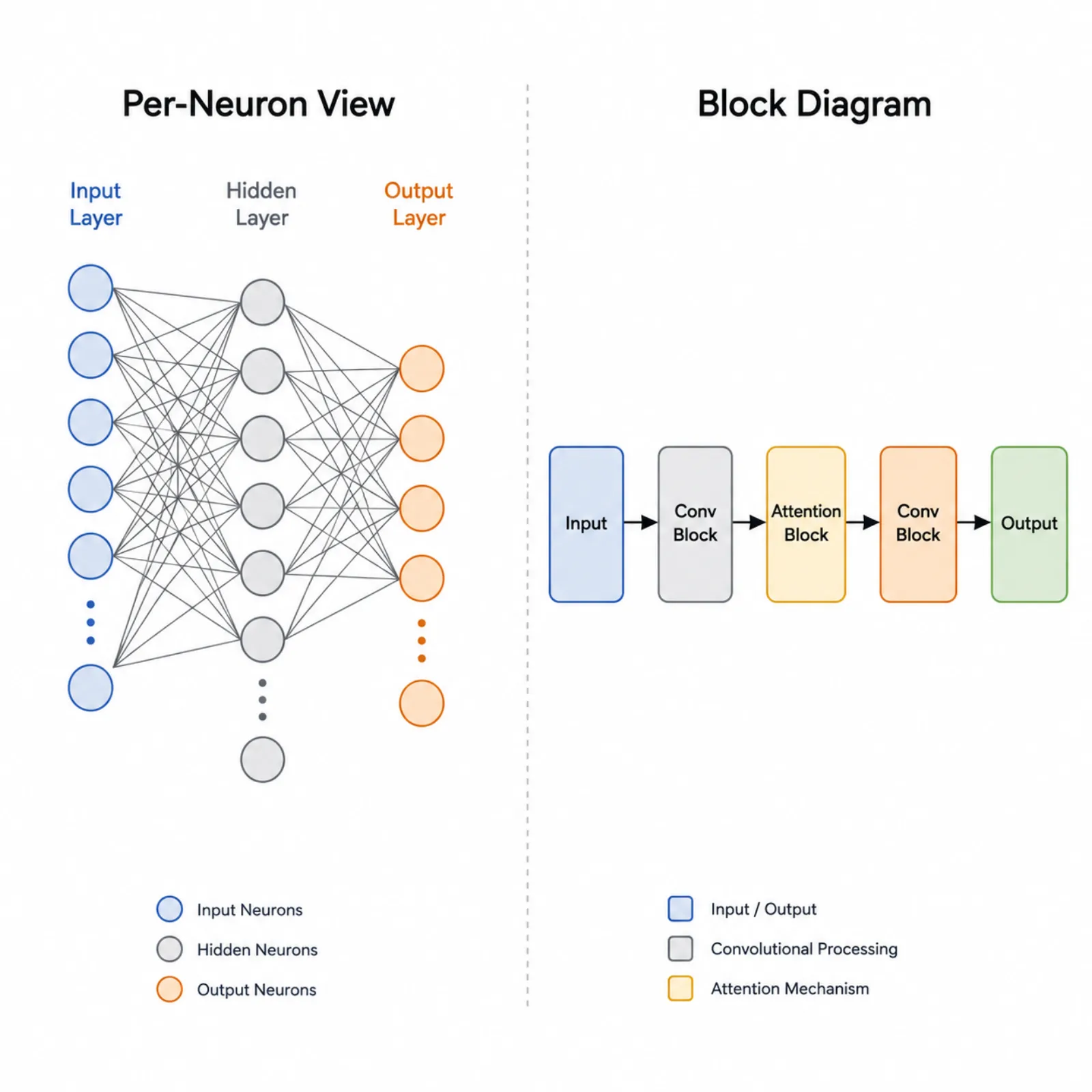
Four layers — input, two hidden layers, output — fully connected and labeled the way a methods section expects.
An hourglass layout narrows to a two-unit bottleneck and widens back out, the usual way to draw an encoder-decoder pair.
A 64-unit input layer shows only its first and last neurons with an ellipsis between them, so the figure stays legible without hiding the true layer size.
Convolution, pooling, and fully connected stages become labeled rectangles joined by arrows — the layout most convolutional and transformer papers actually use.

A four-layer MLP reads best as circles and connections; a ResNet stage or transformer encoder reads better as labeled rectangles. Toggle the mode without re-entering your layer list — the same layer spec drives both drawings.
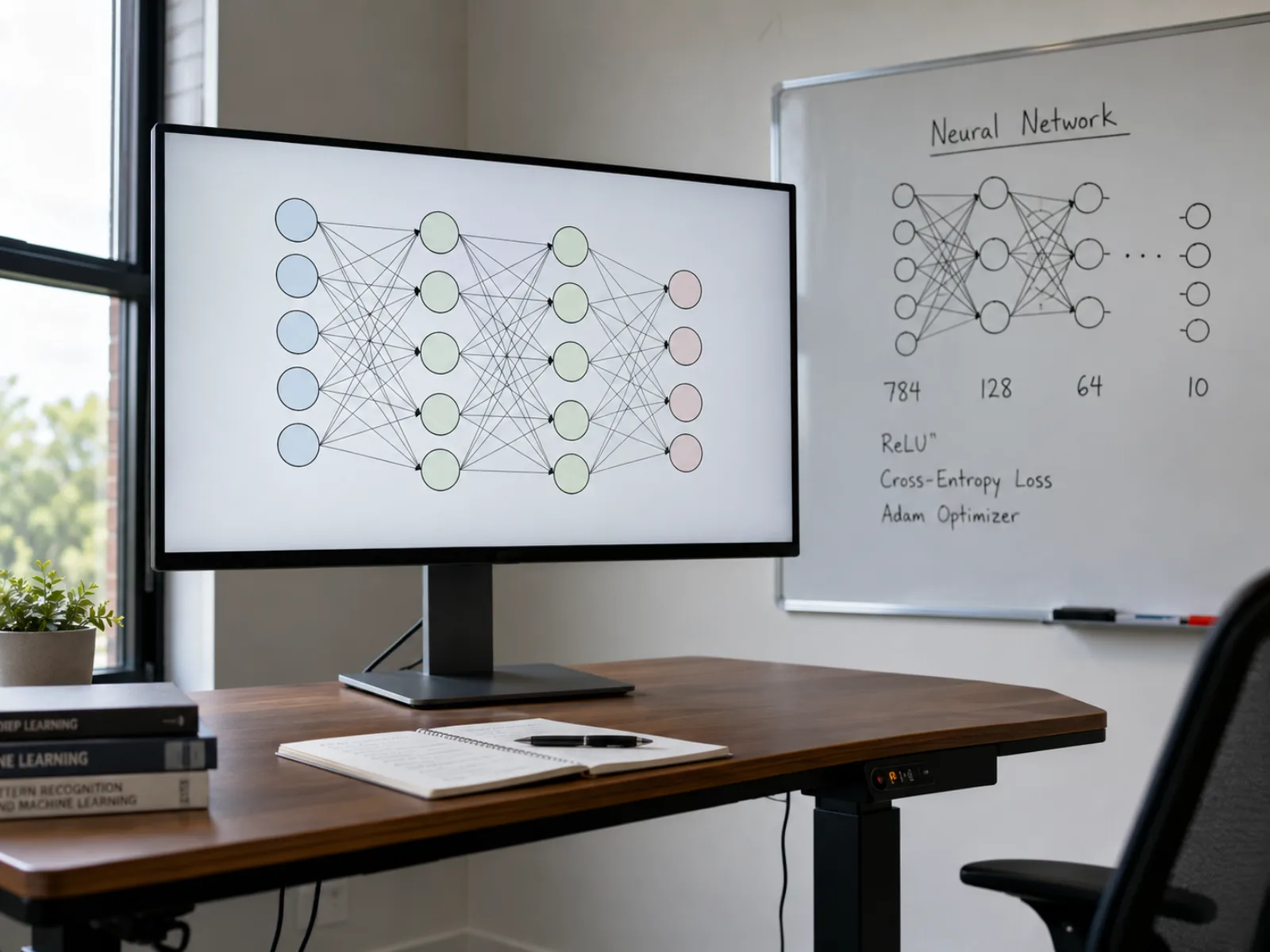
Type a comma-separated layer spec, or one named layer per line, and this neural network diagram maker redraws immediately — check node counts, layer order, and labels before you export anything, instead of guessing how a change will look once it's rendered.
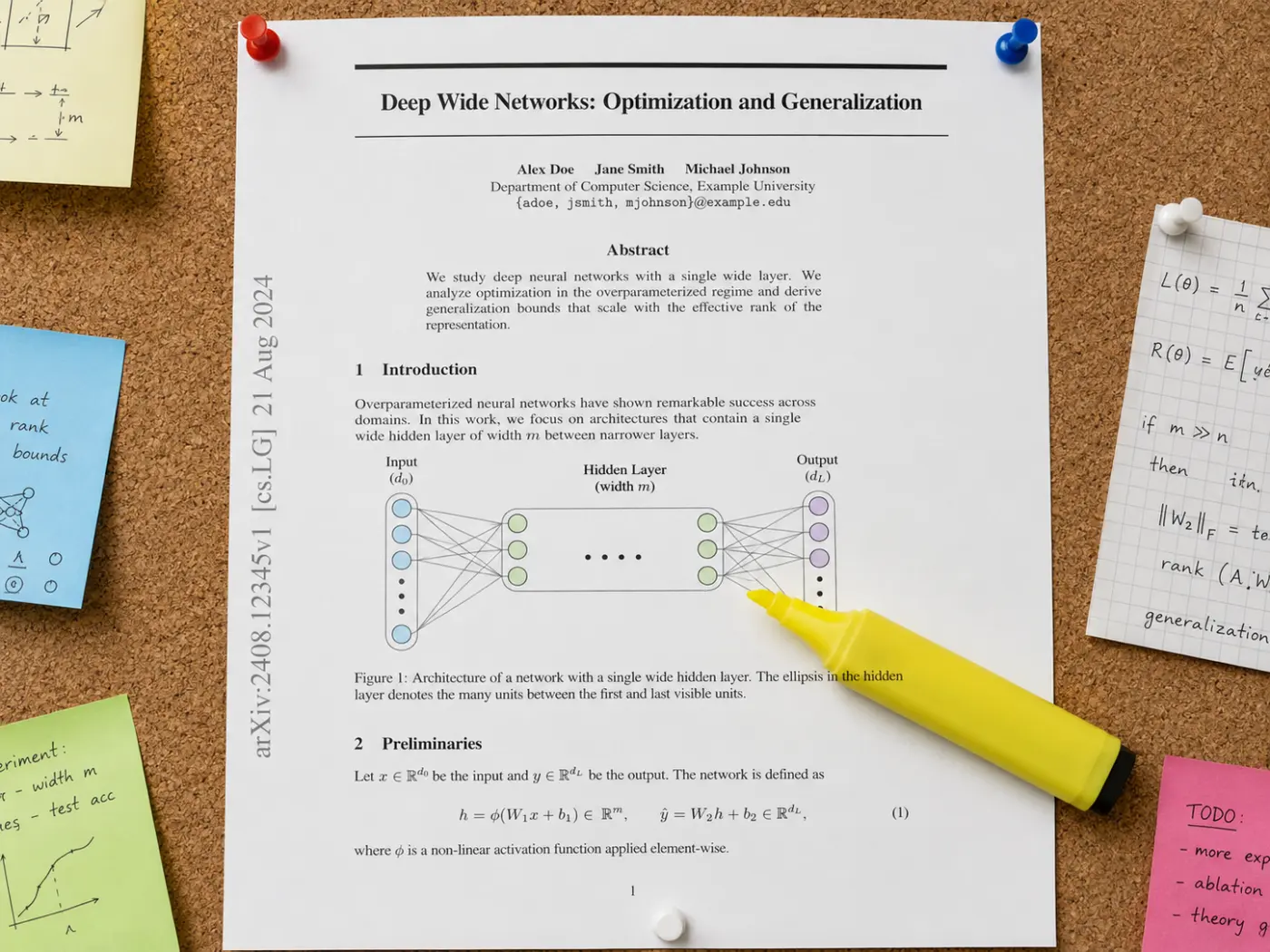
Set a visible-neuron cap and any layer past that count draws its first and last neurons with an ellipsis between — the standard way published figures represent a 128- or 256-unit layer without drawing every connection or shrinking the circles until they merge into a solid bar.

Each layer can carry a custom name, its position-based type — Input, Hidden 1, Hidden 2, Output — and its neuron count or channel dimension, then export the whole network architecture figure as vector SVG for journal typesetting or PNG for slides.
A neural network diagram is a figure that shows a model's layers and how they connect: circles for individual neurons joined by lines for weighted connections, or labeled rectangles for larger structural units such as a convolution or attention block.
Papers typically label the input layer, number the hidden layers in order, and mark the output layer separately, since reviewers check those labels against the architecture described in the text. Arrows and plain connecting lines both appear in published figures.
For a small multilayer perceptron, drawing every neuron makes the figure self-explanatory. Past a few dozen units per layer, a block-style network architecture figure with dimension labels communicates the same design without turning into an unreadable web of lines — the same distinction most modern NN architecture diagram guides in course notes and textbooks draw between illustrative and schematic figures.
Four steps take you from raw layer sizes to a neural network diagram ready for a paper, thesis, or slide deck.
Type layer sizes as one comma-separated line, like 4,8,8,3, or write one named layer per line — Input,4 then Hidden 1,8 — if you want custom labels instead of position-based ones. Either format works for MLPs, encoder-decoder pairs, or the channel counts you'd use to sketch a CNN.
Choose the per-neuron view for a small MLP, or the block view — the standard NN architecture diagram style for a CNN, ResNet, or transformer where drawing every unit would be unreadable.
Toggle layer-type labels and dimension annotations, pick a color scheme, and cap how many neurons a wide layer shows before it collapses to an ellipsis, so the figure stays readable at both slide size and print size.
Download the vector SVG for placement in LaTeX or a journal template, or grab a PNG for a slide deck or preprint draft.
What to draw, how to label it, and which file format to submit.
Enter your layer sizes above, switch to the block view if the model doesn't reduce to individual neurons, and export the finished figure from this neural network diagram generator as SVG or PNG, ready to drop into your next draft.