

Paste bracket notation like [S [NP the cat] [VP sat]] and this syntactic tree generator lays out a publication-ready constituency tree instantly — export as SVG or PNG for a slide, a handout, or a syntax paper.
Four trees built from the same bracket notation this tool reads, from a plain declarative sentence to a wh-question with movement.
A basic subject–verb–object sentence — "The cat sat on the mat" — rendered as a syntactic tree with NP, VP, and PP constituents clearly separated. A good first tree for introducing phrase structure rules to a syntax class.
A matrix clause containing a subordinate CP — "She said that he left" — built with this syntax tree generator to show a CP node nesting inside a VP. Useful for teaching complementizer phrases and clausal embedding.
A wh-question — "What did she buy?" — drawn with a trace left behind by the moved constituent, the standard way generative syntax notates wh-movement in a constituency tree.
A noun phrase too long to expand for the point being made — "the strange visitor from another galaxy" — collapsed under a single triangle. This syntactic tree generator draws the triangle automatically whenever a node carries more than one bare word.
A syntactic tree, or constituency tree, is a diagram that shows how a sentence's words group into phrases and how those phrases group into the whole sentence. Each node stands for a constituent — a unit of structure such as a noun phrase (NP) or verb phrase (VP) — and each branch shows which constituent contains which. Linguists use syntactic trees to make claims about structure explicit and testable, not just as illustration.
Node labels are drawn from X-bar theory and traditional phrase structure grammar: NP, VP, PP, CP, and their lexical heads (N, V, P, C). A terminal node is a single word; an unexpanded phrase can be abbreviated with a triangle when its internal structure isn't the point of the example. Bracket notation is the plain-text way to write all of this down without drawing anything by hand.
This syntactic tree generator reads that bracket notation directly and lays out the tree deterministically: leaf nodes spaced evenly left to right, each parent centered over its children, terminal words aligned along one baseline. There's no automatic parser here — you decide the constituent structure, the generator handles the typesetting.
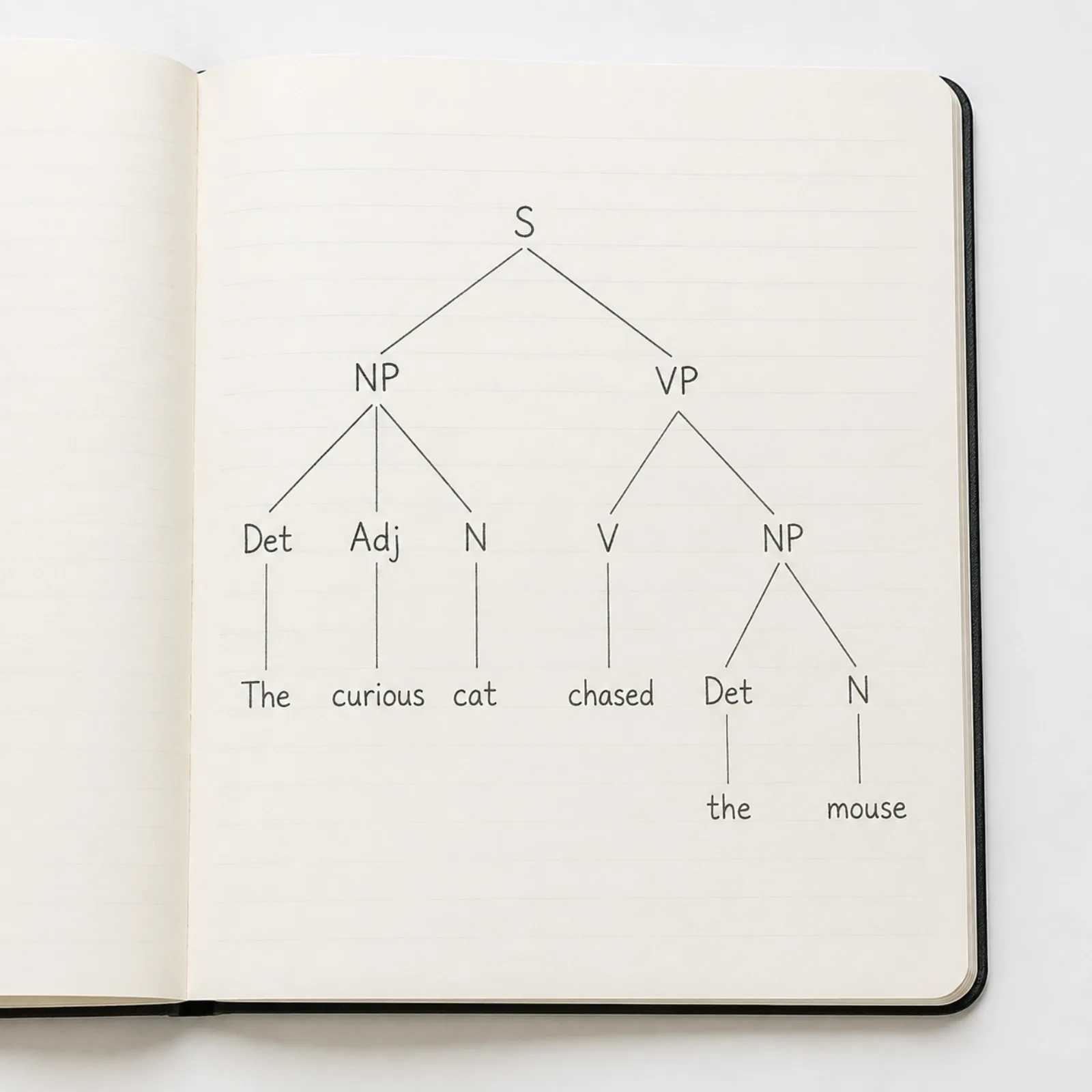

Type bracket notation — [S [NP [D The] [N cat]] [VP [V sat]]] — and the syntax tree generator parses it and redraws the tree on every keystroke. It's the same plain-text convention used by mshang.ca/syntree and most syntax homework, so a tree you've already written elsewhere pastes in without reformatting.
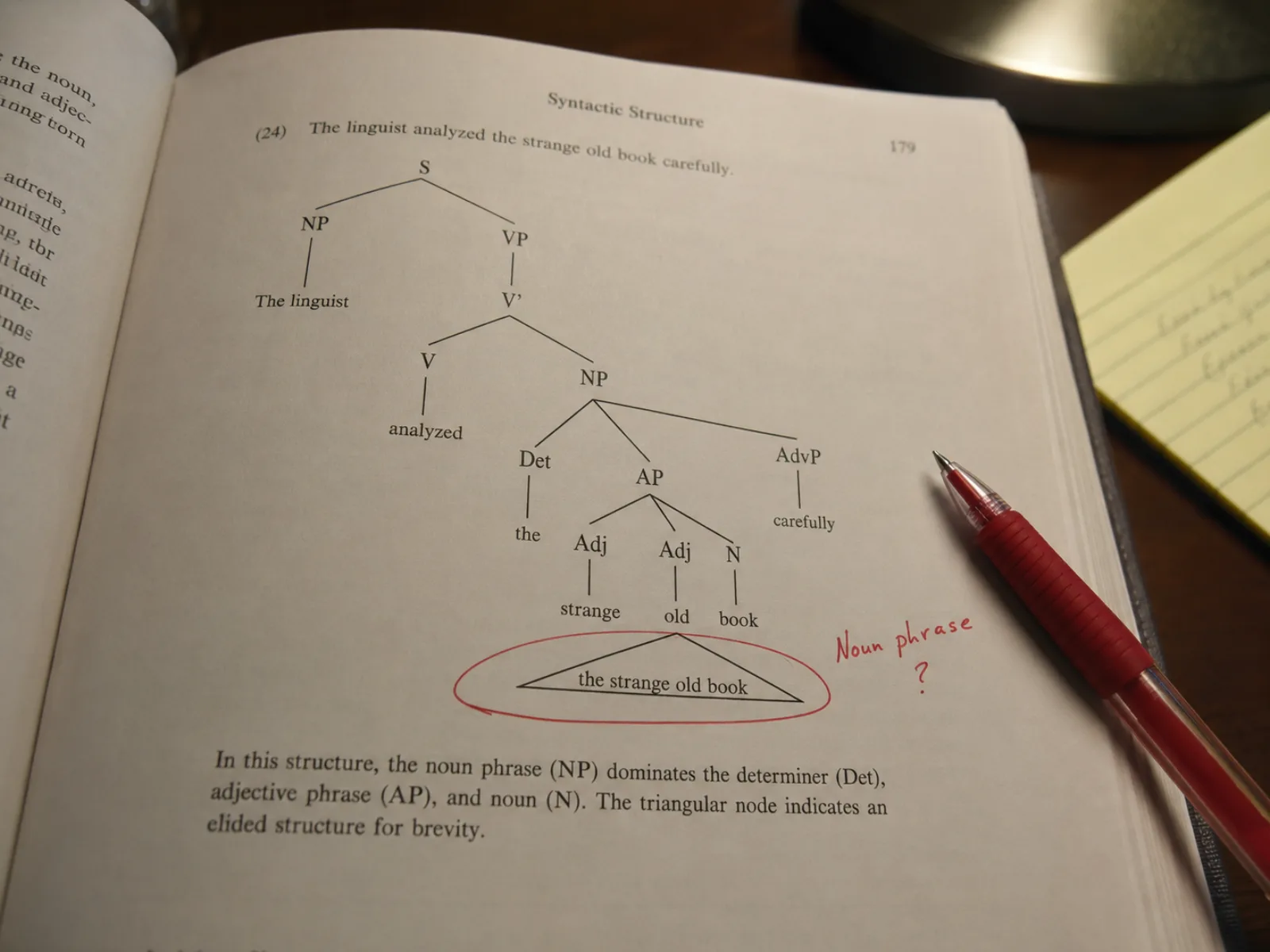
Give a node more than one bare word — no nested brackets — and the generator draws a triangle down to that text instead of forcing you to break the phrase into NP, D, N, and Adj nodes you don't care about for the example at hand. Standard practice in syntax textbooks whenever a phrase's internal structure is beside the point.
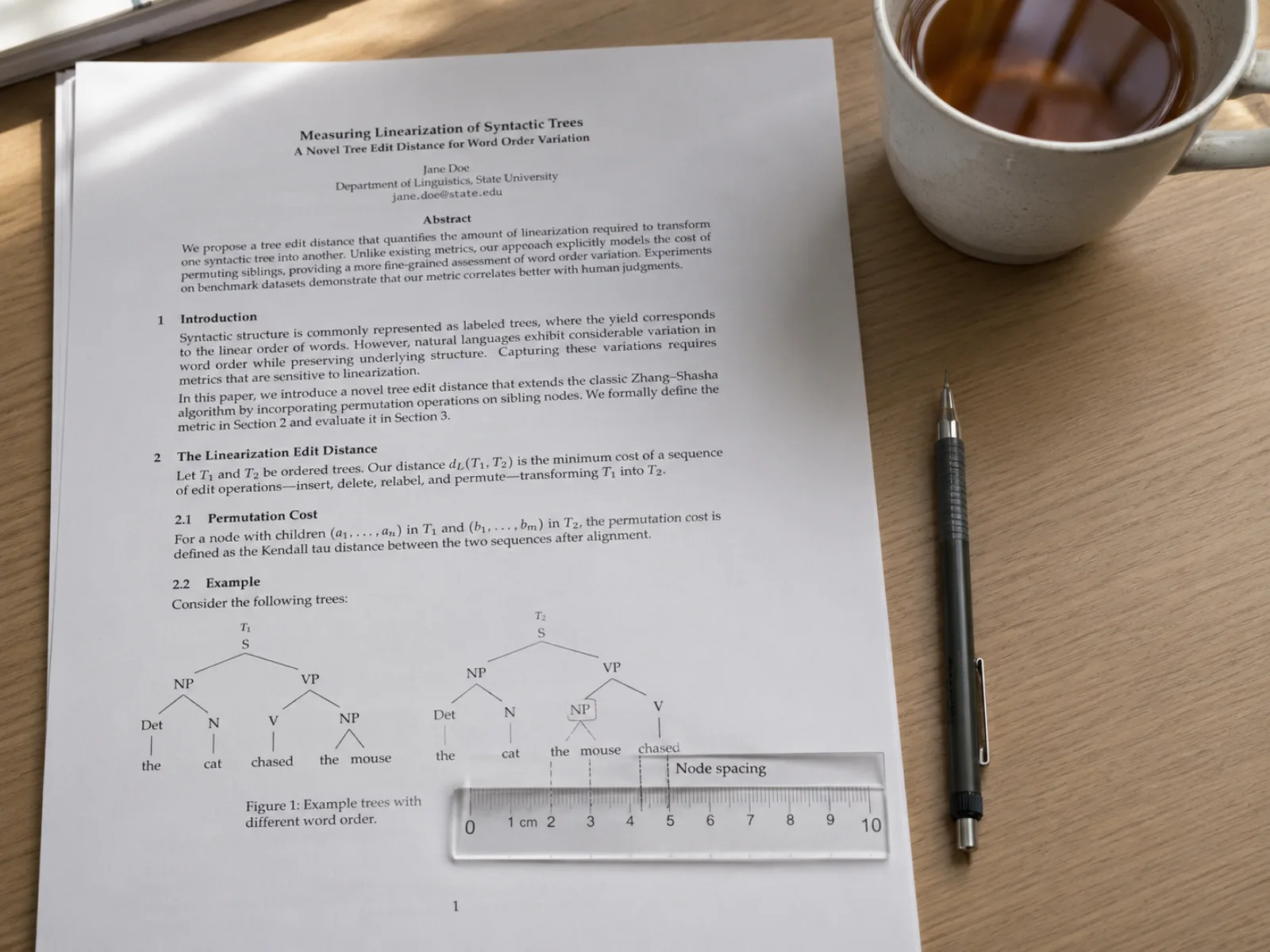
Adjust the label font size and the minimum spacing between leaf columns so a wide sentence still fits a slide or a printed page. Terminal words italicize by default, matching how syntactic trees are typeset in linguistics journals and coursebooks — turn it off if your style guide says otherwise.
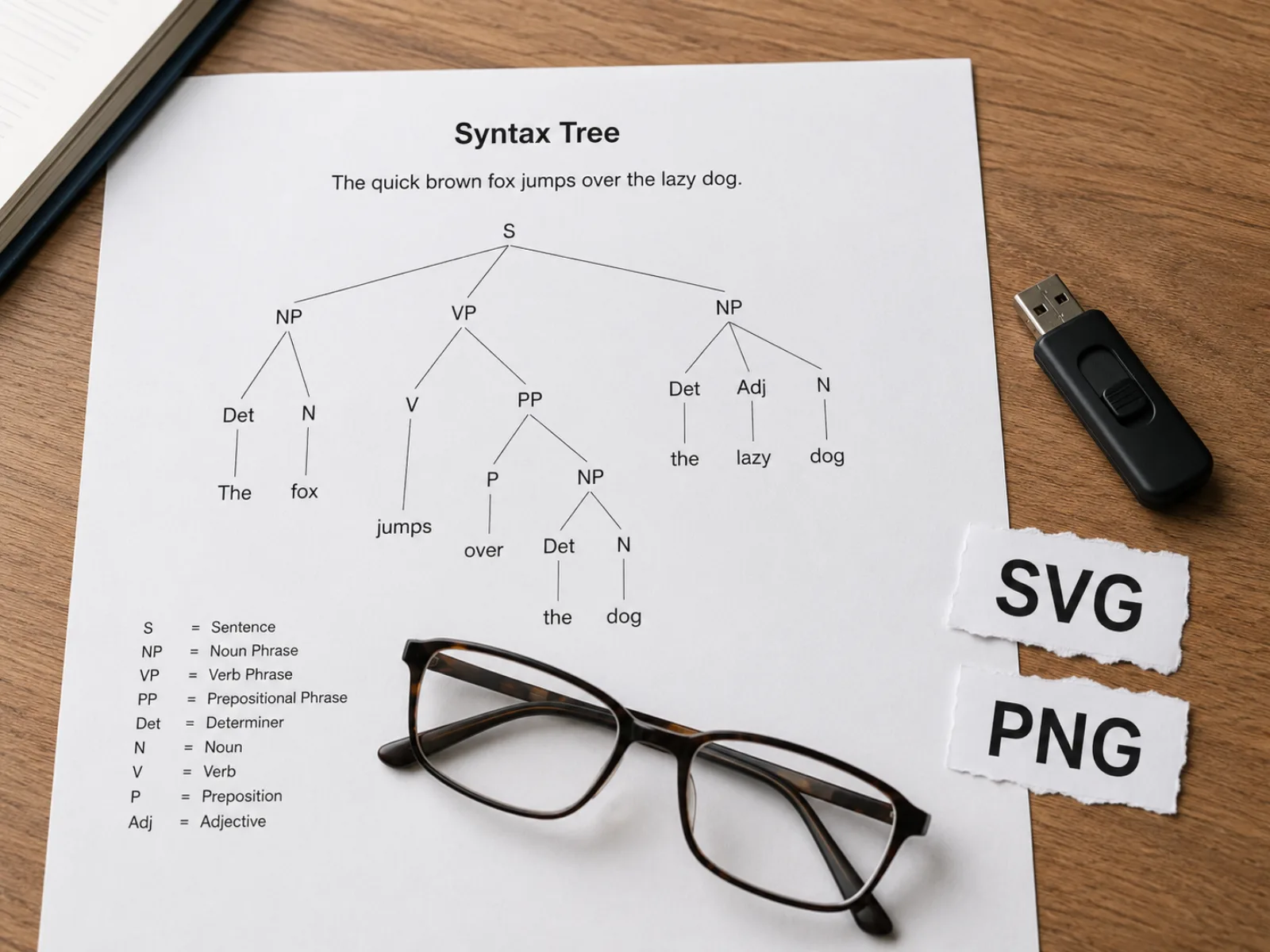
Download the finished diagram as a scalable SVG for further editing in Illustrator or Inkscape, or as a PNG sized for a slide deck. Both exports match the on-screen preview exactly, so what you approve is what ends up in your handout or paper.
Four steps from a sentence to an exportable diagram — no drawing, no dragging nodes.
Wrap the sentence in a root node and nest a bracket for every constituent: [S [NP [D The] [N cat]] [VP [V sat]]]. Every word needs its own node — bare words directly under a phrase are only for triangle notation (see step 3).
Drop the bracket notation into the text box above. The tree redraws on every keystroke, and a mismatched bracket or an empty node produces a specific, inline error instead of a blank screen.
Give a node two or more bare words with no nested brackets — [NP the strange visitor] — and it renders as a triangle instead of a fully expanded subtree. Reach for this when a phrase's internal structure isn't the point of the example.
Set the label font size, the spacing between leaf columns, and whether terminal words italicize. When the tree looks right, download it as SVG for further editing or PNG for a slide.
Practical questions about bracket notation, triangles, and what this tool does and doesn't do.
This tool draws exactly the tree you write in bracket notation — nothing guessed, nothing to install. Export SVG or PNG once the layout looks right.