

Type a central topic, add a few branches, and list what belongs under each one — this generator lays out a clean spider diagram right in your browser, nothing to install.
A spider diagram is a graphic organizer with one central topic in the middle and a handful of branches, or "legs," radiating outward. It's also called a spider map or a spider web diagram, after the shape the finished layout traces.
Each leg carries one branch label and, optionally, a few short sub-points hanging off its end. The structure stays flat — legs don't sprout further legs — so a spider diagram reads as a single layer of ideas around a topic, not a deep tree.
That flatness is the point: a spider diagram works best once you already know roughly how many main ideas a topic has, usually three to eight, and just need a place to sort the supporting details under each one.
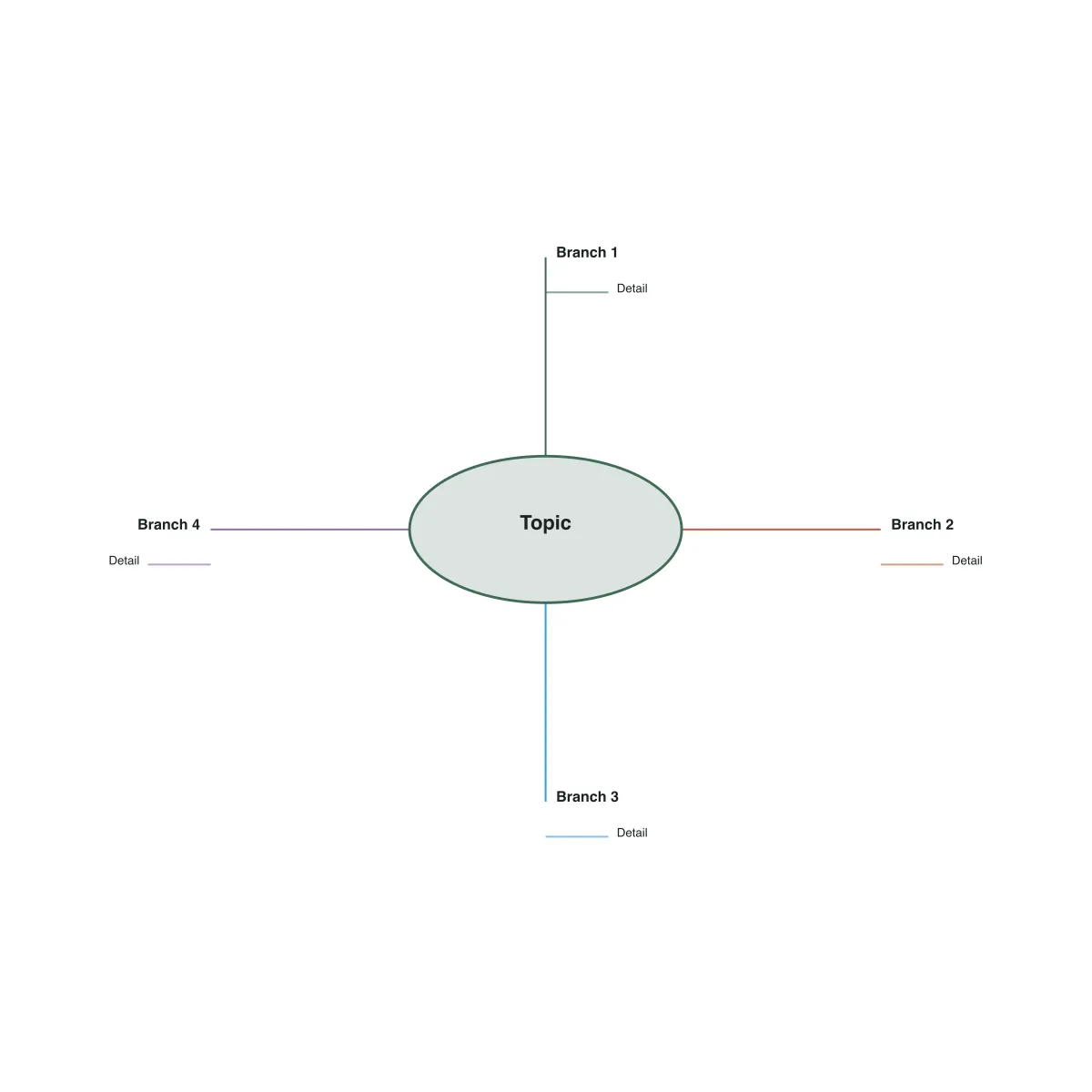
Both radiate outward from a central topic, and the two names get used loosely enough that it's easy to reach for the wrong one when you actually need the other — the real difference comes down to how many layers of ideas each layout is built to hold, and how loosely those layers connect.
From a blank topic to a finished spider map, here is what building one in this generator looks like, without dragging a single line or nudging a leg into place by hand.
Type the subject that belongs in the middle ellipse — the thing every branch on the diagram will relate back to.
Give each leg a short label for one main idea. Add or remove branches as you go; the generator redistributes their angles around the topic automatically.
Type up to three supporting details per leg, one per line. Each one hangs off its own short line at the end of the branch.
Check the live preview as you edit, then download a scalable SVG for later edits or a PNG ready to paste into a slide, document, or worksheet.
Every spider map below was exported straight from this generator — recreate any of them by typing your own topic, branches, and sub-points into the editor above and adjusting the leg count to match how many main ideas your topic actually has.
A central topic like photosynthesis with legs for inputs, outputs, location, and importance, each carrying two or three supporting facts — a quick way to scope a topic before research begins.
A central topic — "My Summer Vacation" — with a leg for each thing that happened, like the beach trip or summer camp, and quick notes hanging off each one: a spider map for getting material down before picking which branches become paragraphs.
A central event — "Causes of World War I" — with a leg for each contributing cause, like militarism, alliances, imperialism, and nationalism, and the spark that set it off called out separately: a spider map for pulling scattered causes into one place before a review.
A target word at the center with legs for its definition, synonyms, an example sentence, and related words — a spider web diagram that keeps every angle on one word in view at once.
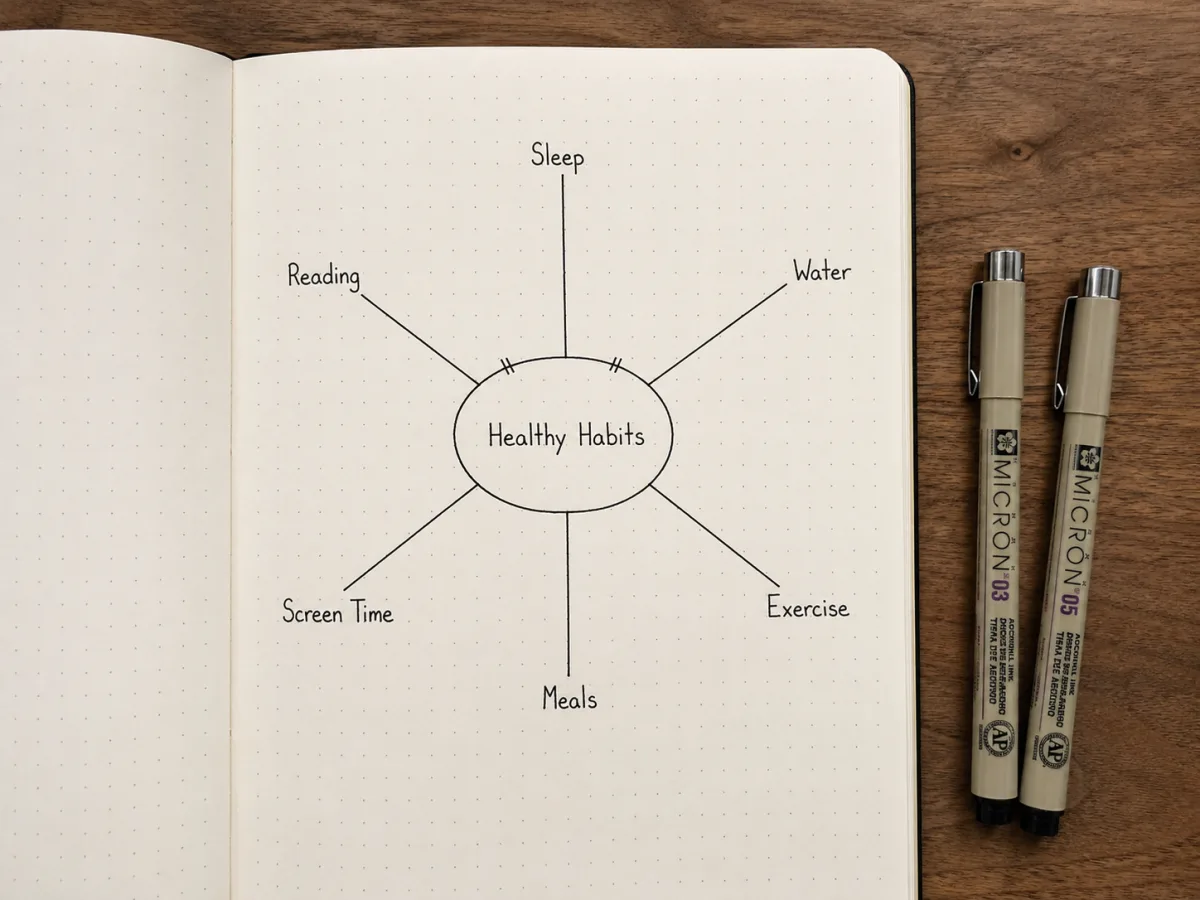
Set anywhere from three to eight legs, and every time you add or remove one, this spider diagram maker redistributes all the angles evenly around the central topic. You never have to eyeball spacing or drag a leg back into place after editing your branch list.
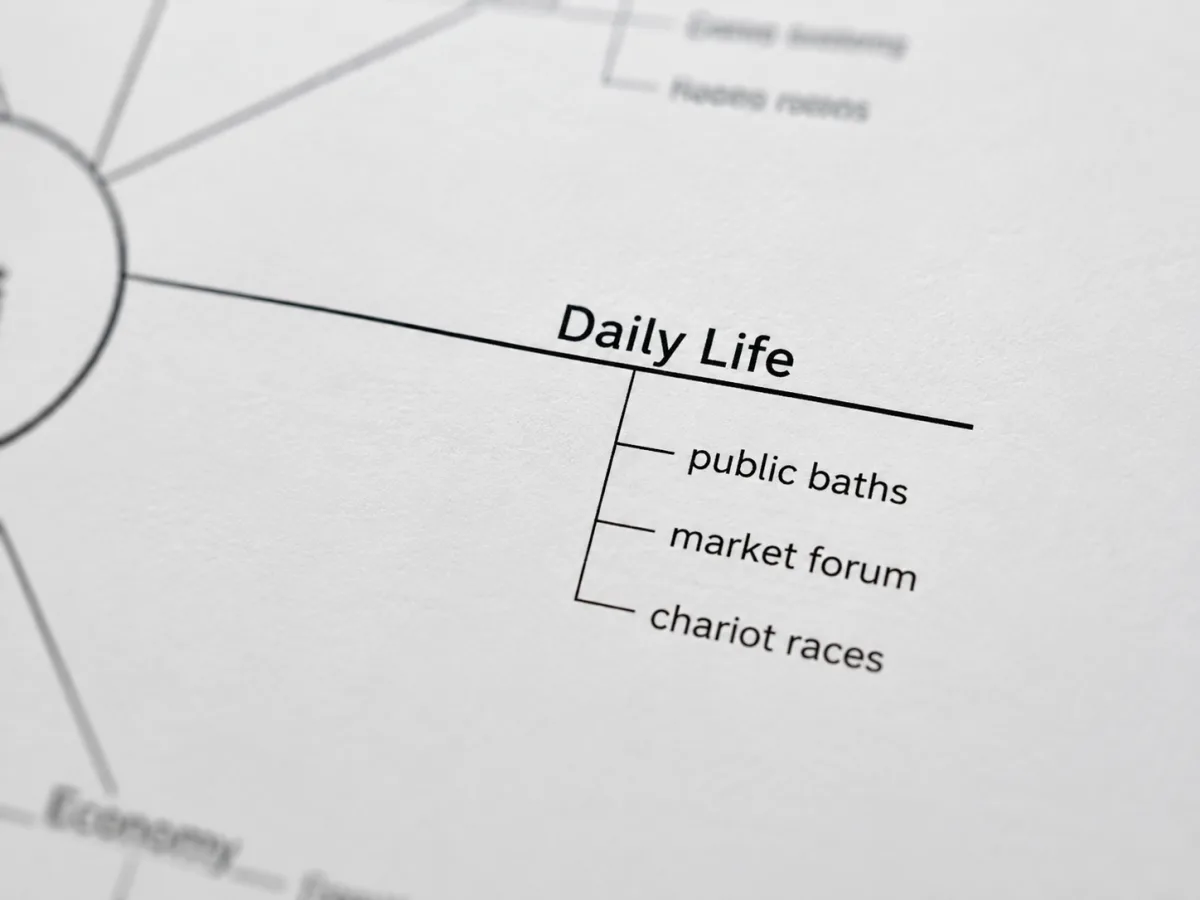
Each supporting detail you list under a branch gets its own short line at the end of that leg, stacked so it never crosses back over the main radiating line. Add a second or third sub-point and this spider map generator keeps spacing them out below the last one.
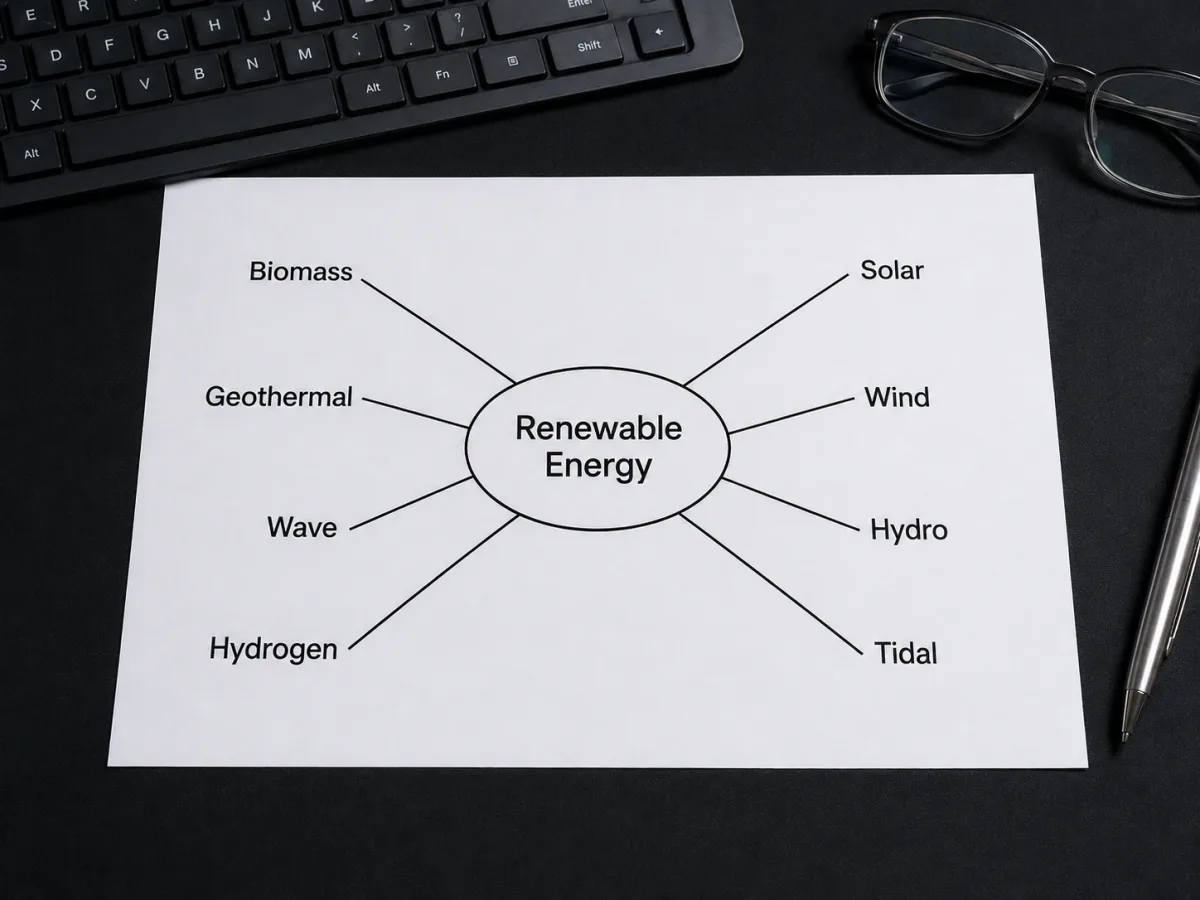
A branch on the right half of the diagram gets its label left-aligned growing outward; one on the left gets right-aligned text growing the other way. This spider diagram generator checks which side of the topic each leg falls on and flips the alignment for you, so labels never overlap the diagonal lines.
Answers to what people usually ask before building their first spider diagram, from naming confusion to picking the right leg count.
Other free tools for sorting a topic before you write, study, or present it.
Type a central topic and a few branches, and this spider diagram maker lays out the rest — free, right in your browser.