

Describe your paper's title, abstract and section notes, pick a print size, and get a scientific poster layout back — sectioned, on-brand, ready for you to drop your final figures and text into.
Four starting points — immunology, hydrology, robotics and developmental psychology — including one landscape layout for a booth-style poster.
A microbiome-and-immunotherapy study laid out as a standard A0 portrait poster: title band, four stacked section panels, and placeholder chart shapes marking where the real classification results go.
A groundwater recharge study on an A1 sheet — narrower title band, the same four-panel structure scaled down for a smaller print budget.
A soft-robotics gripper study built for a wide booth panel: the title band spans the top and the four sections run left to right instead of stacking, which is what a landscape print size calls for.
A screen-time and executive-function study in the common US portrait size, with placeholder line-chart shapes standing in for the longitudinal results panel.
A scientific poster is a single printed sheet that presents one study at a conference: title and authors across the top, then Introduction, Methods, Results and Conclusion arranged in panels a viewer can scan in a couple of minutes while standing at the board. It compresses a paper into what fits on a wall, not what fits in a journal.
Unlike a slide deck, nobody narrates it — the layout itself has to carry the argument, which is why section panels, panel order and figure placement matter more than they do in a talk. Unlike a graphical abstract, it still carries full sentences of Methods and Results text, not just one summary image.
A scientific poster generator drafts that layout — the panel grid, section labels and placeholder chart shapes sized to your chosen print format — from your title and section notes, so you start from a structured base layout instead of an empty slide canvas.
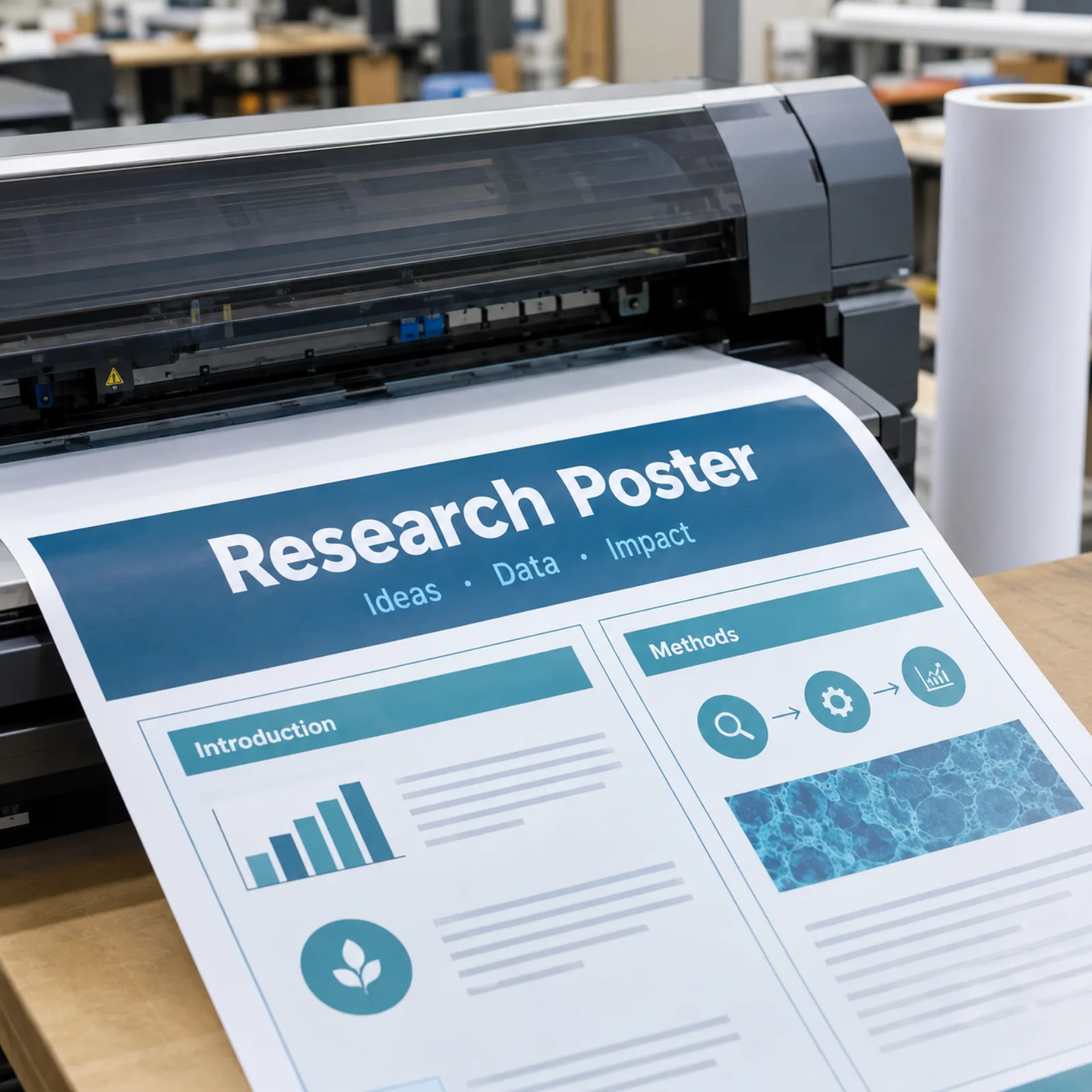
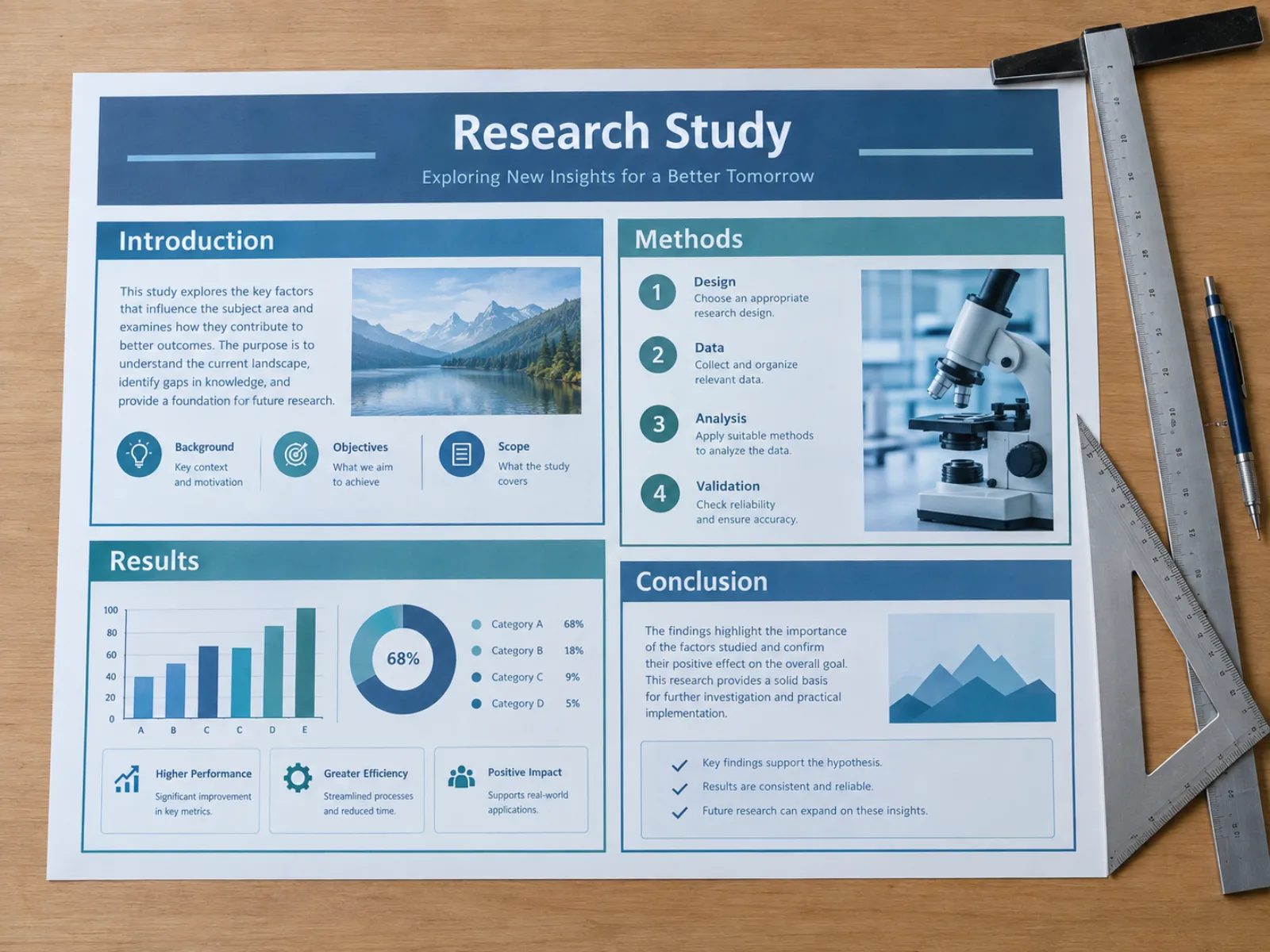
Paste your title and section notes and the generator returns a title band plus separate Introduction, Methods, Results and Conclusion panels with borders and section labels already placed — the grid a poster needs before a single sentence of your final text goes in.
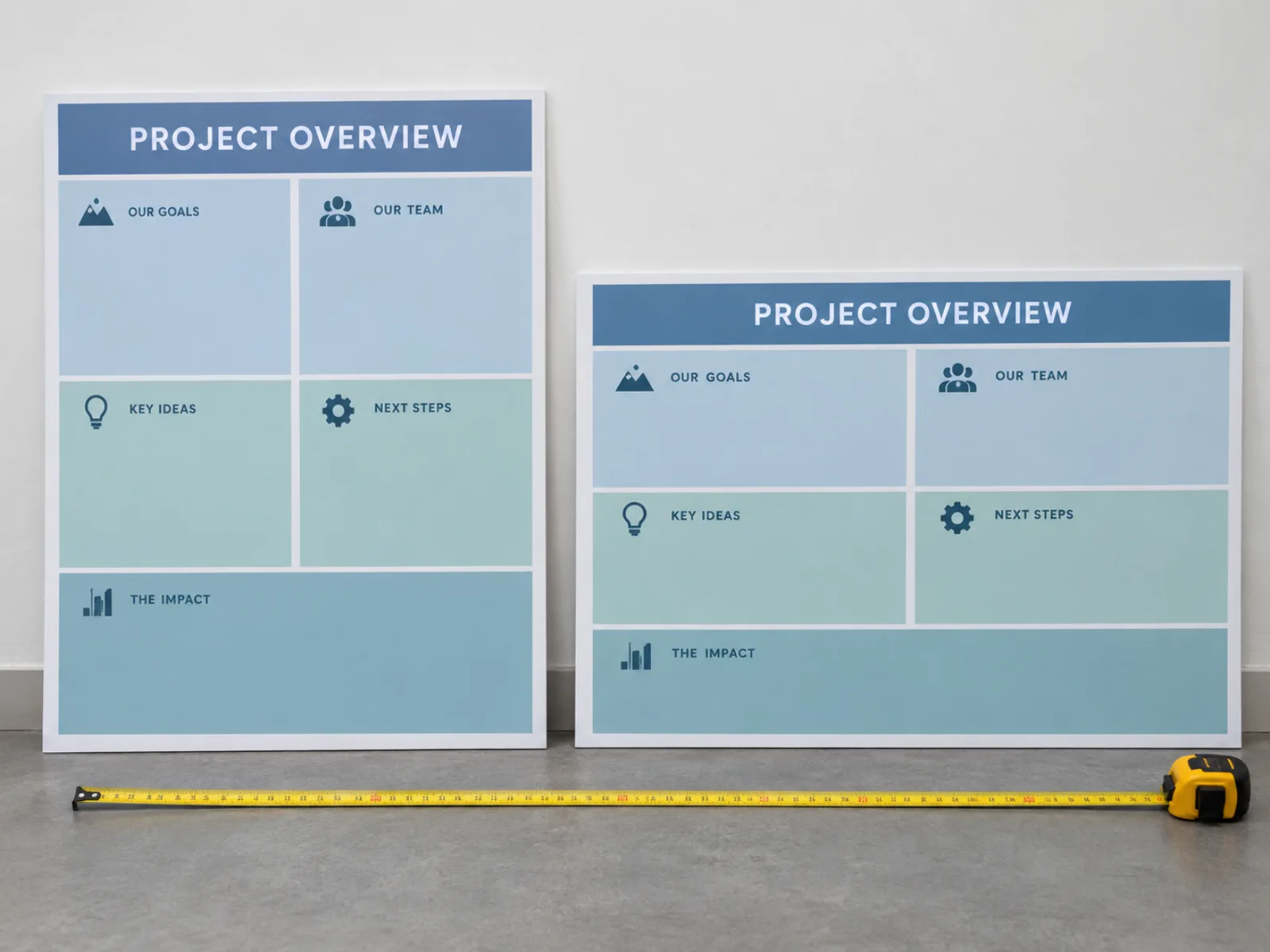
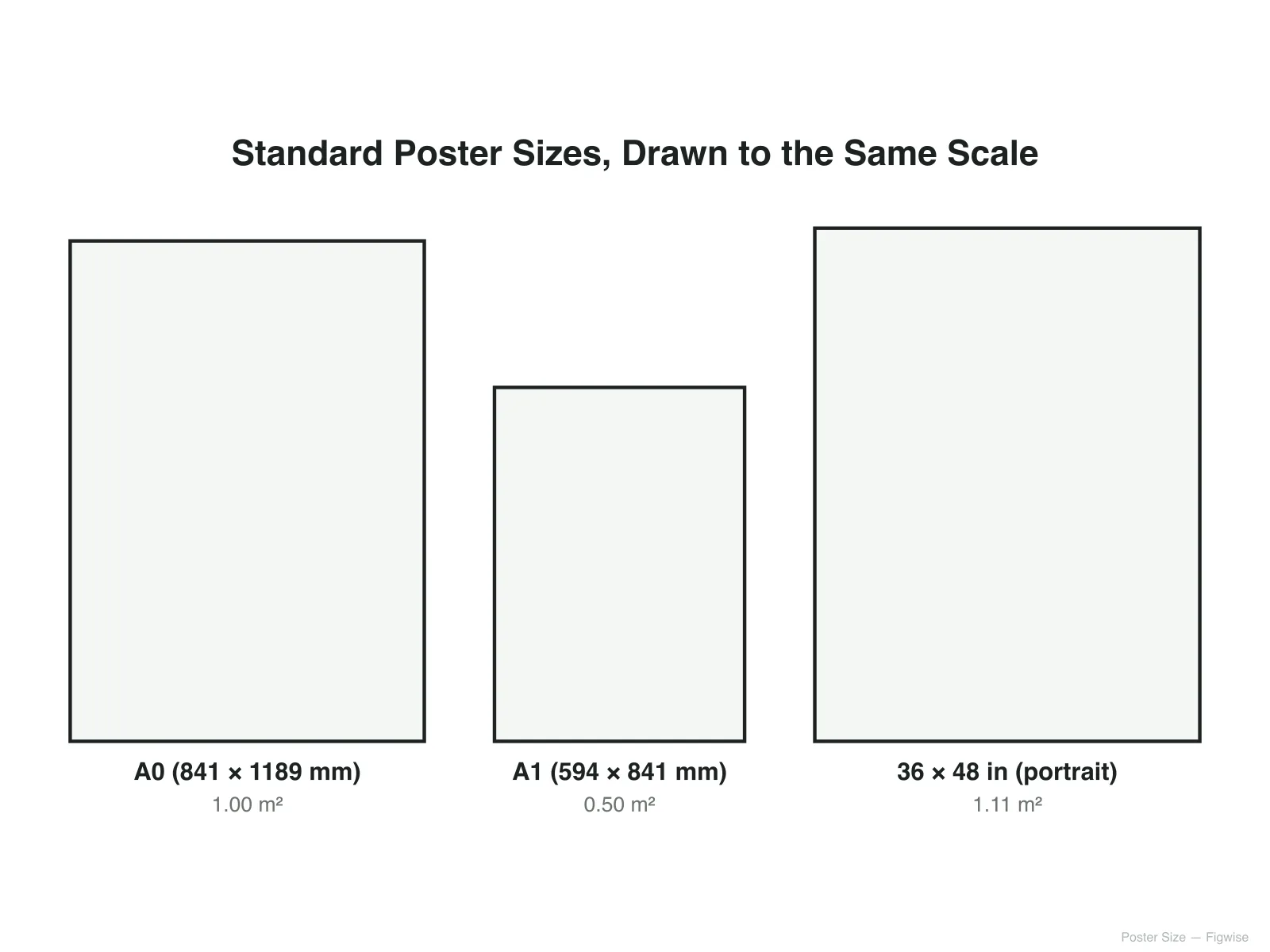
Pick portrait for A0, A1 or a 36 x 48 in US board, or landscape for a 48 x 36 in booth panel, and the poster generator lays out the title band and section columns to match — a portrait poster reads top to bottom, a landscape one reads left to right.

The Results panel comes back with generic chart and diagram shapes already blocked in, so you can see how much space a bar chart or schematic will actually take before you drop in your real figure.
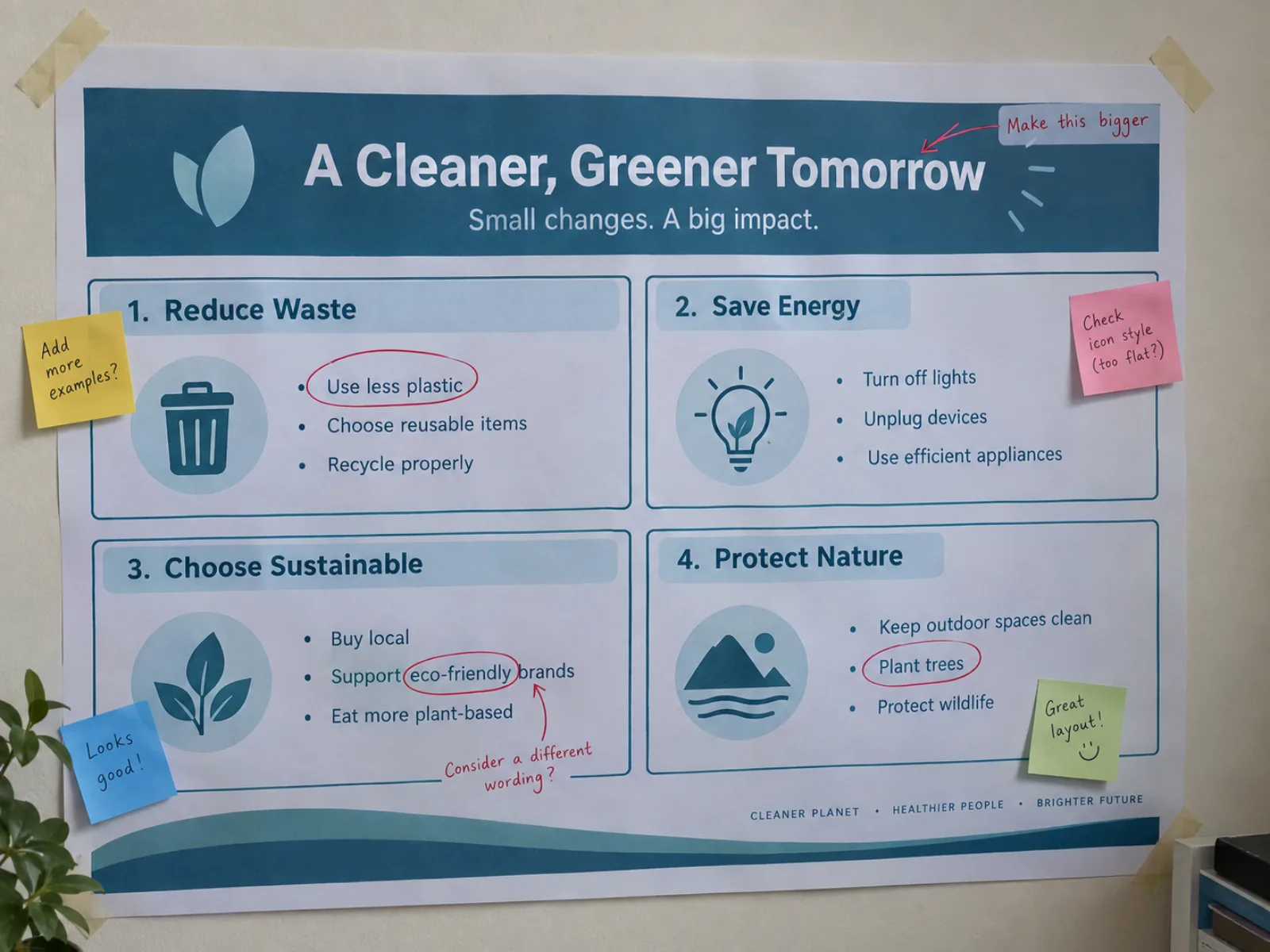
The output is a base layout image, not final copy — open it in PowerPoint or Illustrator and replace the placeholder text with your proofread title, author list and results once they're locked, the same way you would with any poster template.
* Exports high-resolution PNG.
Four steps from a paper draft to a layout you can build your final poster on.
Write the paper title and a couple of sentences for each of Introduction, Methods, Results and Conclusion — the same material you'd hand a co-author asking "what's this poster about." For a narrative review without a Methods/Results split, describe the review's scope and its main themes instead and the generator will label panels accordingly.
Choose A0 or A1 for most international conferences, or a US inch size such as 36 x 48 in; pick portrait for a wall-mounted board and landscape for a wide booth panel.
The scientific poster generator returns a title band, four section panels and placeholder chart shapes sized to your chosen format — no manual grid-drawing needed.
Open the layout in PowerPoint, Illustrator or your usual poster tool and swap the placeholder labels for your proofread title, author list, body text and real figures — check font sizes against your print size before sending it to the printer.
* Exports high-resolution PNG.
Standard conference formats, their pixel budget at 300 dpi, and the minimum font sizes that stay legible at poster-viewing distance regardless of sheet size.
| Format | Dimensions | Pixels @ 300 dpi |
|---|---|---|
| A0 | 841 × 1189 mm | 9933 × 14043 px |
| A1 | 594 × 841 mm | 7016 × 9933 px |
| 36 × 48 in | 914 × 1219 mm | 10800 × 14400 px |
| 42 × 56 in | 1067 × 1422 mm | 12600 × 16800 px |
| 48 × 36 in | 1219 × 914 mm | 14400 × 10800 px |
Minimum legible font size doesn't scale with sheet size — it scales with reading distance. Across every format above: title text 72-100 pt, body text 24-32 pt, figure captions at least 18 pt. Check your specific conference's poster guidelines before finalizing, since a handful require narrower margins or a different aspect ratio than the formats listed here.
Questions people ask while drafting their first conference poster.
* Exports high-resolution PNG.
Describe your title, sections and print size once and get a structured base layout back — free to try, ready for you to build your final poster on.