

Two questions, one poster dimensions calculator: how big can this file print, and how many pixels does that conference poster actually need. Enter pixels and a target dpi, or pick a standard poster size and let it work backward — either way you get a printable size, an effective dpi, and a check against A0, A1, and the usual 36 x 48 in format.
1030 mm × 1451 mm
40.5 in × 57.1 in1:1.41
| Standard size | Effective dpi | Verdict |
|---|---|---|
| A0 (841 × 1189 mm) | 366 | Fits at 300 dpi |
| A1 (594 × 841 mm) | 517 | Fits at 300 dpi |
| A2 (420 × 594 mm) | 733 | Fits at 300 dpi |
| 36 × 48 in (portrait) | 338 | Fits at 300 dpi · aspect ratio differs, expect a crop or a border |
| 48 × 36 in (landscape) | 253 | Short of 300 dpi · aspect ratio differs, expect a crop or a border |
| 24 × 36 in (portrait) | 476 | Fits at 300 dpi · aspect ratio differs, expect a crop or a border |
Your file's aspect ratio doesn't match this poster size, so the layout will need either a cropped edge or a plain margin to fill the frame — see the mismatch example below for both fixes.
Four steps, no software required — this poster dimensions calculator runs entirely in the browser and never uploads your file.
Choose "I have a file" if you already know the pixel dimensions and want a print size, or "I have a target size" if you're starting from a poster format like A0 or 36 x 48 in and need to know how many pixels to design at.
Type the pixel width and height from your file's properties panel, or select a standard poster size from the list — A0, A1, A2, or the common US formats in inches, plus a custom millimeter option for anything else.
300 dpi is the safe default for a poster viewed up close; 150 dpi is enough for large-format printing meant to be read from a couple of meters away. The scientific poster size calculator recalculates the moment you change either number.
Check the printable size, the effective dpi against each standard format, and whether the aspect ratio lines up. Download the scaled diagram as SVG or PNG to drop into a slide deck or a print-shop brief.
Dots per inch measures how many pixels get packed into each printed inch, and it's the number most poster size calculator tools ask for first. But a printed page held twelve inches from your eyes and a poster pinned to a board six feet away are not the same viewing problem — the same dpi that looks razor-sharp on a manuscript figure can be complete overkill on a banner nobody stands closer than a meter to read.
The rule of thumb researchers actually use is tied to viewing distance, not a fixed dpi floor. A journal figure viewed at arm's length benefits from 300 dpi because the eye can resolve fine detail at that range. A conference poster is read from roughly one to two meters away in a crowded aisle, and at that distance 150 dpi is genuinely indistinguishable from 300 dpi to a normal-vision reader — which is exactly why most large-format print shops quote 150 dpi as their standard for poster-scale output, not as a discount option.
That's the gap this poster size calculator is built to close: instead of guessing whether your file's pixel count clears some journal-style resolution bar, it tells you the physical size those pixels support at the dpi that actually matches how a poster gets viewed, and flags where you'd be printing at less than 150 dpi and risking visibly soft text from across the room.
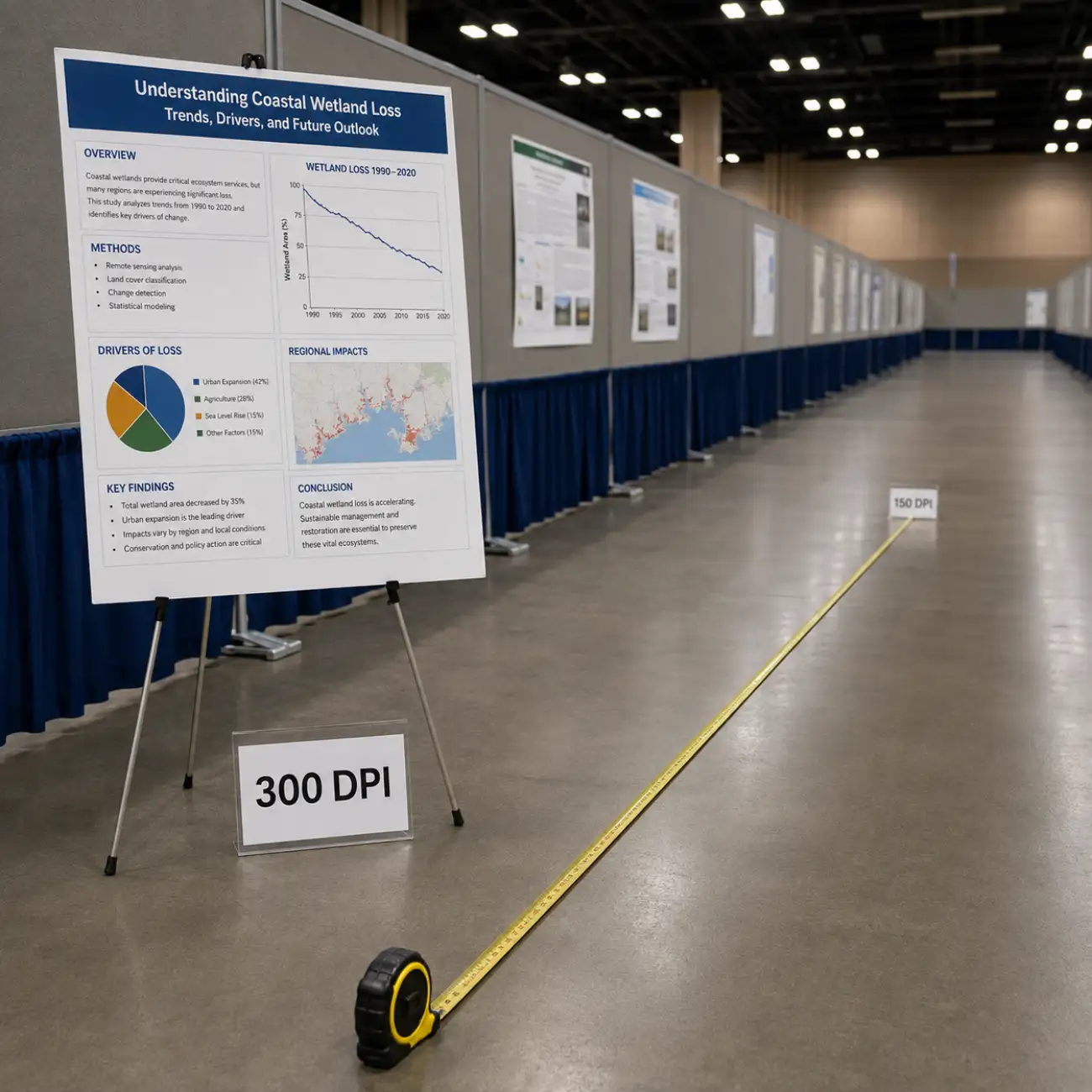
Four situations that come up constantly when researchers reach for a poster dimensions calculator the week before a conference.
A0 (841 x 1189 mm) is the metric convention most European and Asian conferences default to; 36 x 48 in is the closest common US equivalent, though it's noticeably smaller in area. Run both through the poster size converter before you assume they're interchangeable — swapping one for the other without checking usually means empty margin or a squeezed layout.
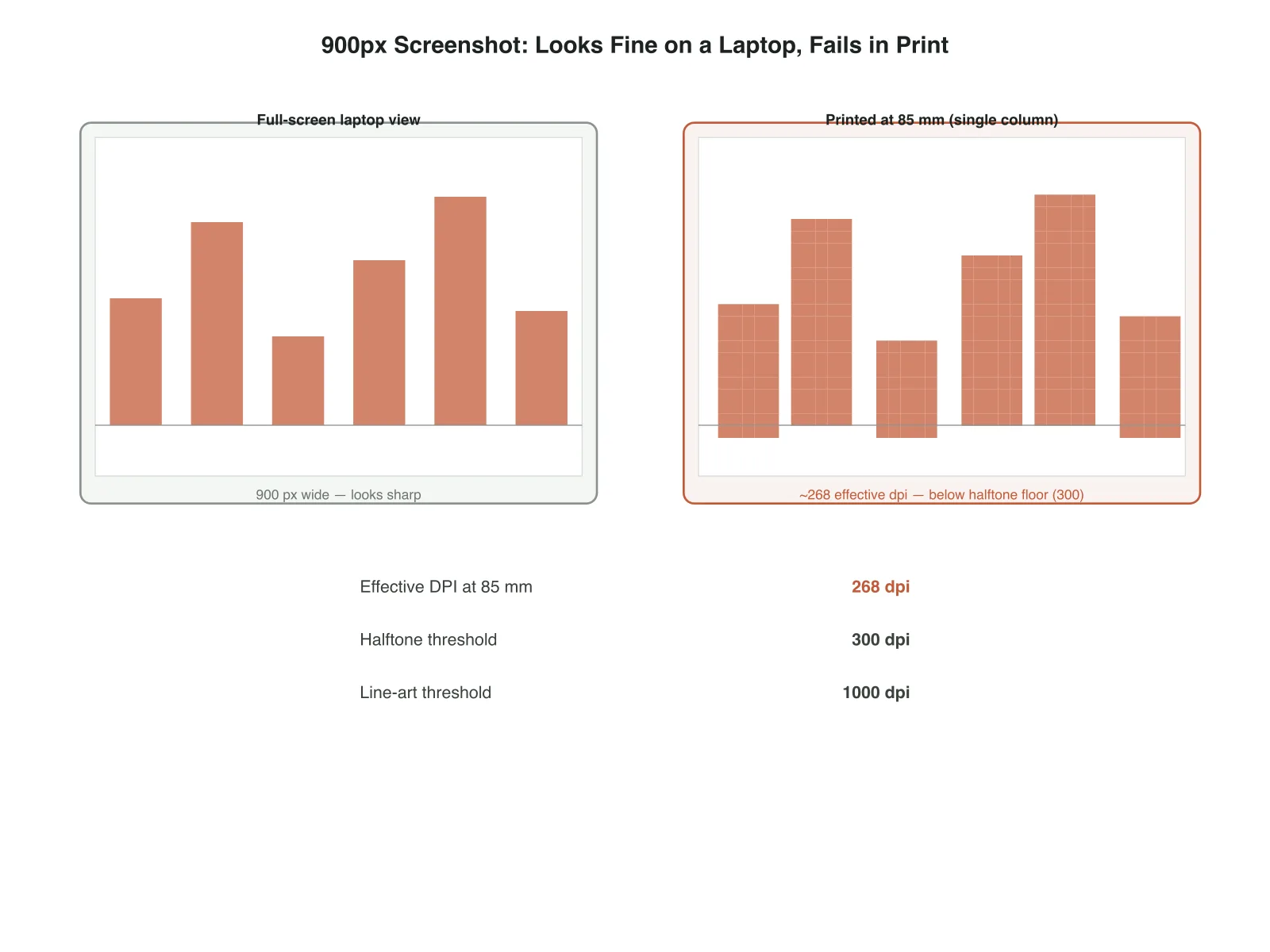
If this poster size calculator reports an effective dpi under 150 for the format you need, the fix is rarely to just print smaller and call it done — a smaller poster loses booth presence. Re-export the source figure at higher resolution first, or accept a lower dpi deliberately for a panel that only carries a photo or a background graphic rather than fine text.
36 x 48 in portrait and 48 x 36 in landscape cover the same area but need pixel grids with the width and height swapped — a file exported for one will look stretched or need major recropping on the other. Pick your poster's orientation before you export figures, not after.
A file built at 4:3 dropped into an A0 frame (roughly 1.41:1) either gets letterboxed with blank strips top and bottom, or cropped to fill the frame and loses the edges of your layout. This scientific poster size tool flags the gap so you can rebuild the canvas at the right ratio before your figures are locked in.
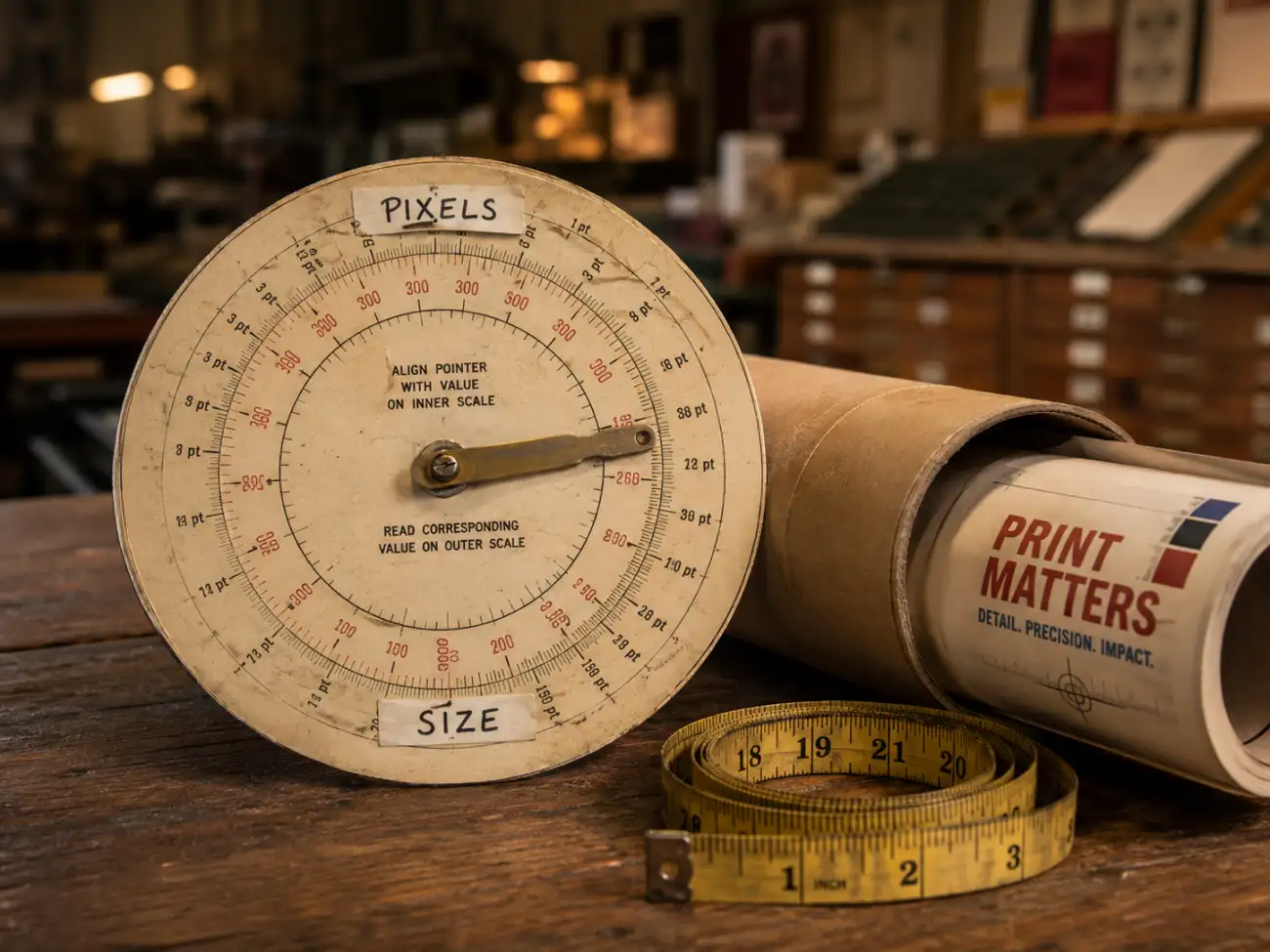
Switch between "pixels in, size out" and "size in, pixels out" without re-entering numbers you already know. Most poster size calculator pages online only handle one direction and make you do the other by hand.
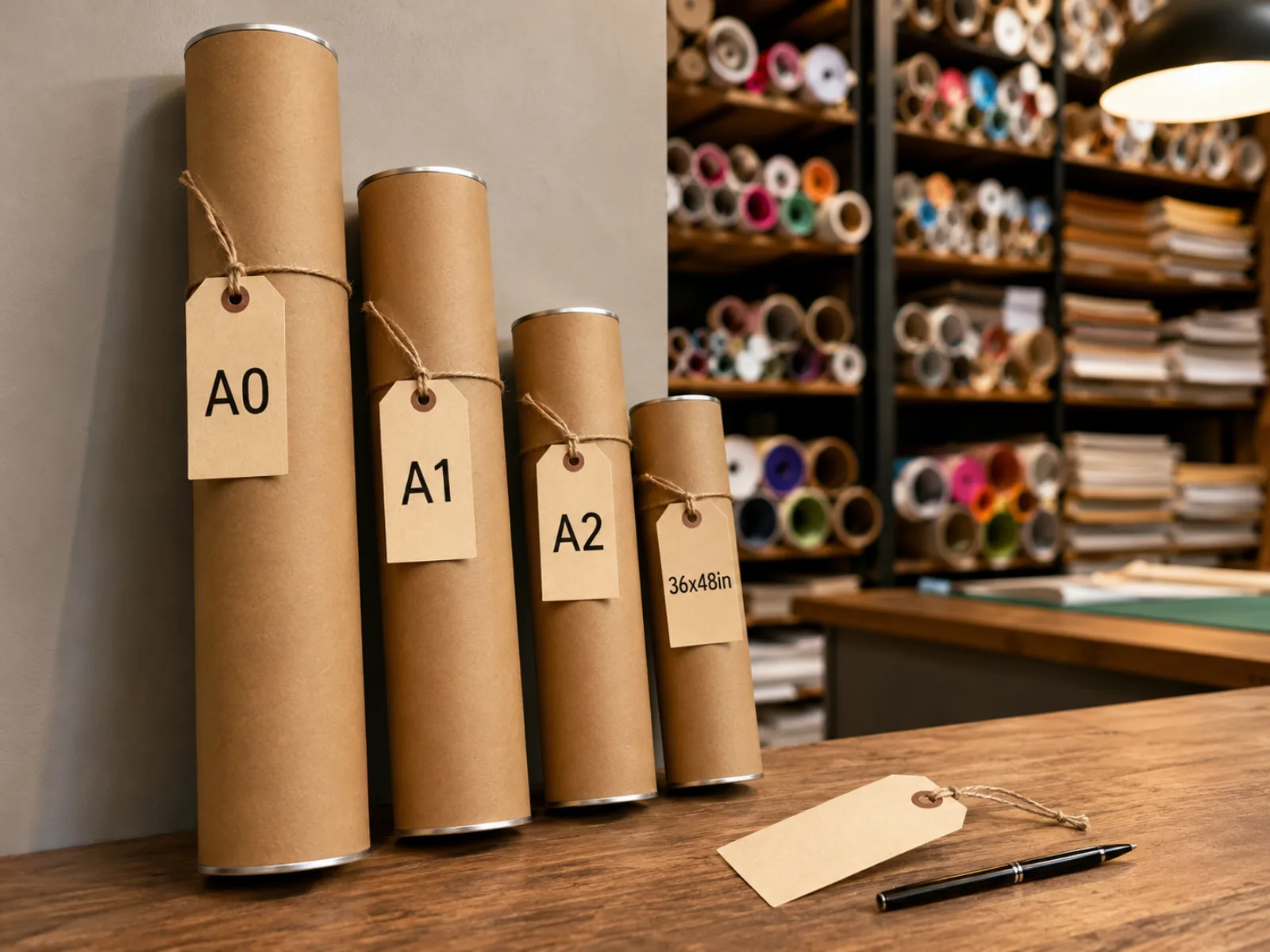
A0, A1, and A2 in millimeters, plus 36 x 48 in and its 48 x 36 in landscape flip, cover most conference formats out of the box. Enter a custom width and height in millimeters for anything a venue specifies outside those norms.
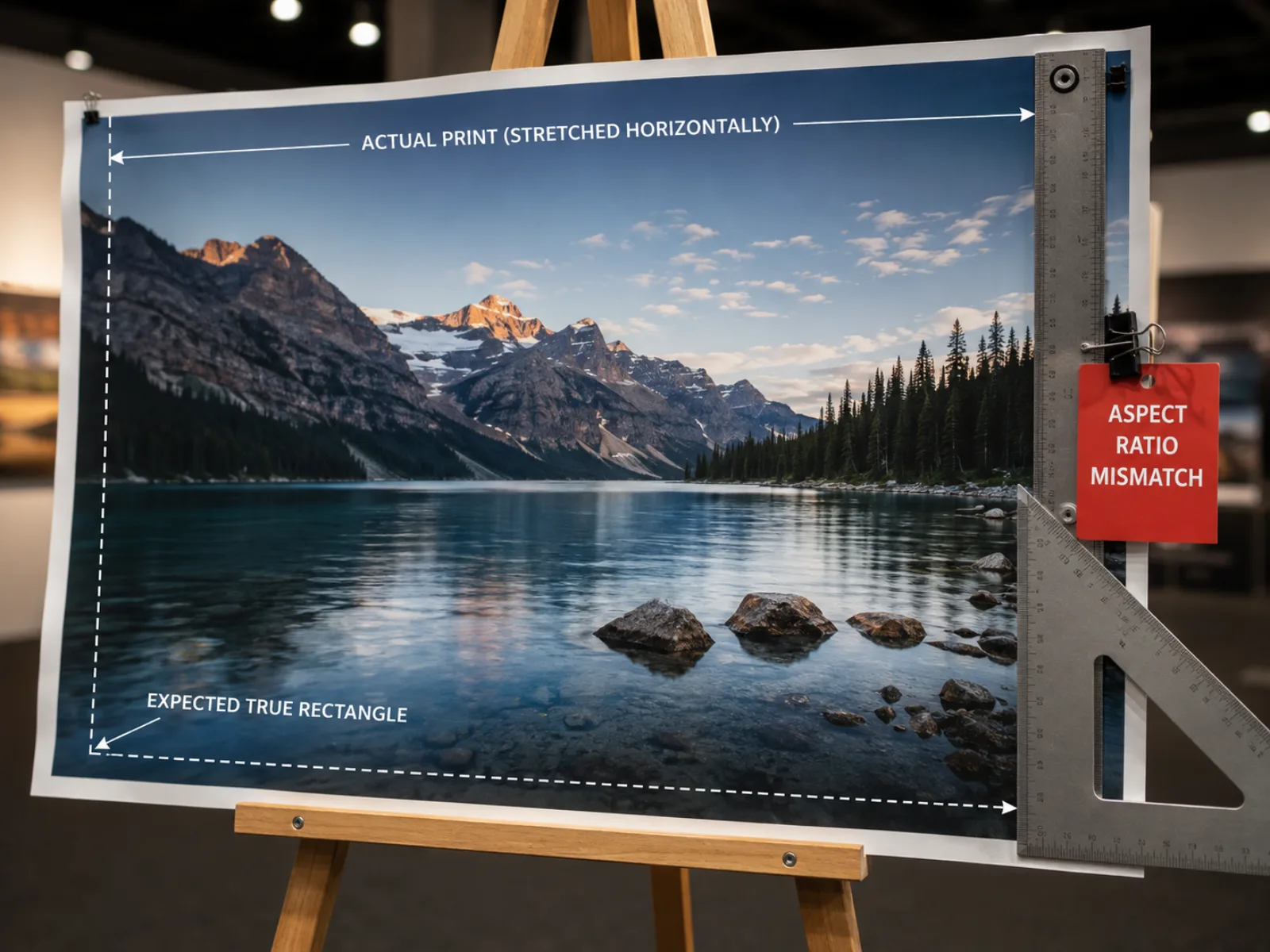
Every standard size is checked against your pixel aspect ratio, not just its area, so a poster size calculator result that technically has enough pixels but the wrong shape still gets flagged before it becomes a printed surprise.
What researchers usually ask this poster size calculator the week before a conference deadline.

Enter pixels or pick a standard size in this poster size calculator, confirm the aspect ratio lines up, and export the scaled diagram for your print-shop brief — no more finding out the hard way at 11pm the night before the conference.