

Upload a photo, whiteboard shot, or hand-drawn sketch and describe what it shows — get back a clean scientific figure with the same structure, ready for your paper.
Drop a photo or sketch, or click to browse
Four references redrawn with the same prompt template used on this page — a notebook sketch, a whiteboard photo, a lab bench shot, and a scanned old figure.
A pencil-and-pen sketch of a three-step pathway redrawn with consistent arrows, shapes and labels.
A marker diagram photographed off a whiteboard becomes a labeled controller-plant-feedback loop.
A cluttered bench shot of a chip and pumps becomes a clean schematic with the same layout.
A skewed, low-resolution scan of a decades-old figure becomes a sharp, relabeled cross-section.
A photo to scientific figure converter takes a picture of something you've already sketched, whiteboarded, or set up on a bench, and redraws it as a flat, publication-style diagram — same layout, same connections, cleaner rendering.
It's not a photo filter and it doesn't invent content: the reference image sets the structure, and your description tells the model what each part means so it can label things correctly.
Use it to turn a rough draft into something you can drop straight into a manuscript, poster, or slide deck, without redrawing every box and arrow in a vector tool.

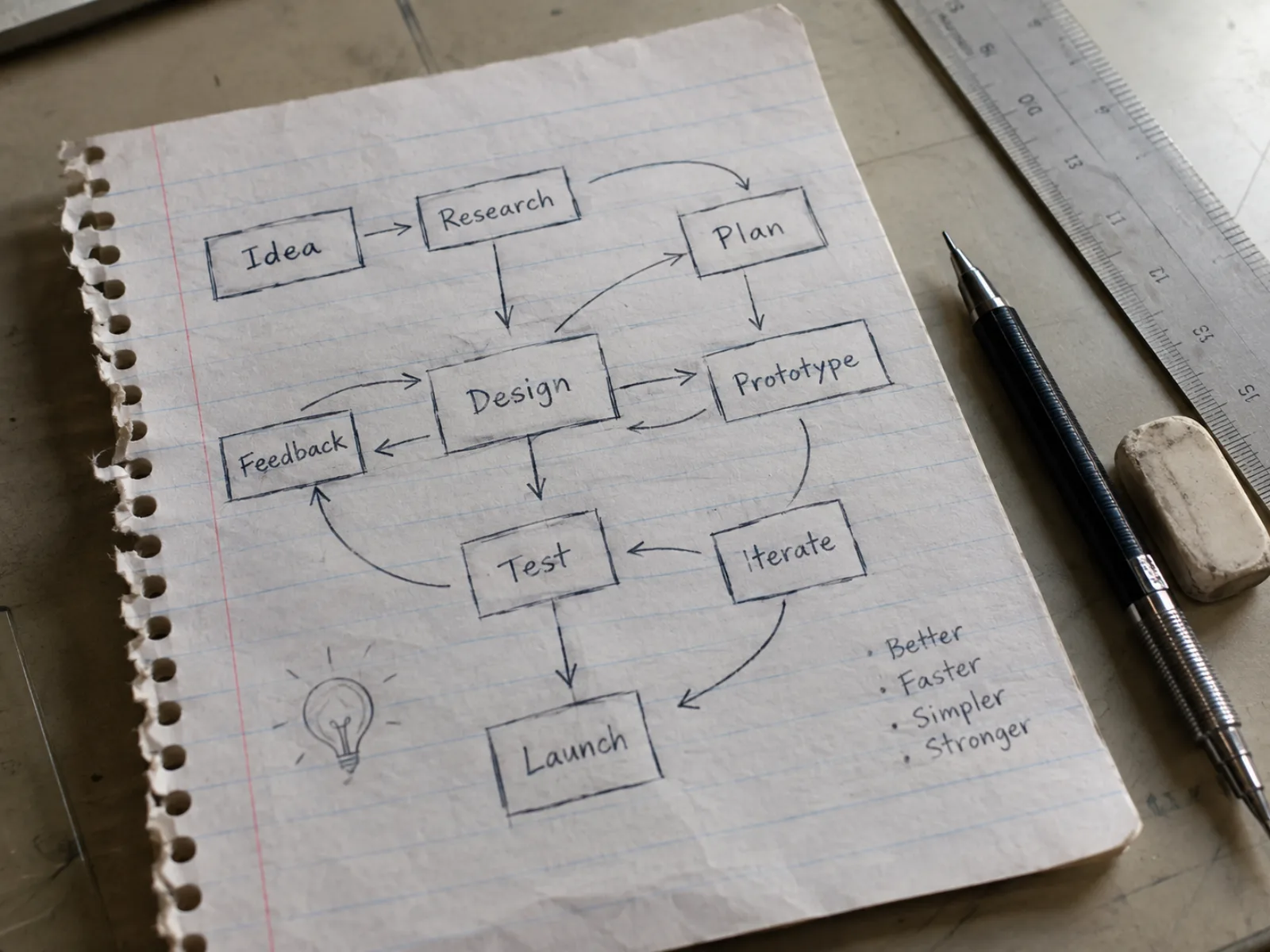
Upload 1 to 4 reference images — a notebook sketch, a whiteboard photo, a snapshot of your setup — and the model treats them as the structural blueprint instead of starting from nothing.
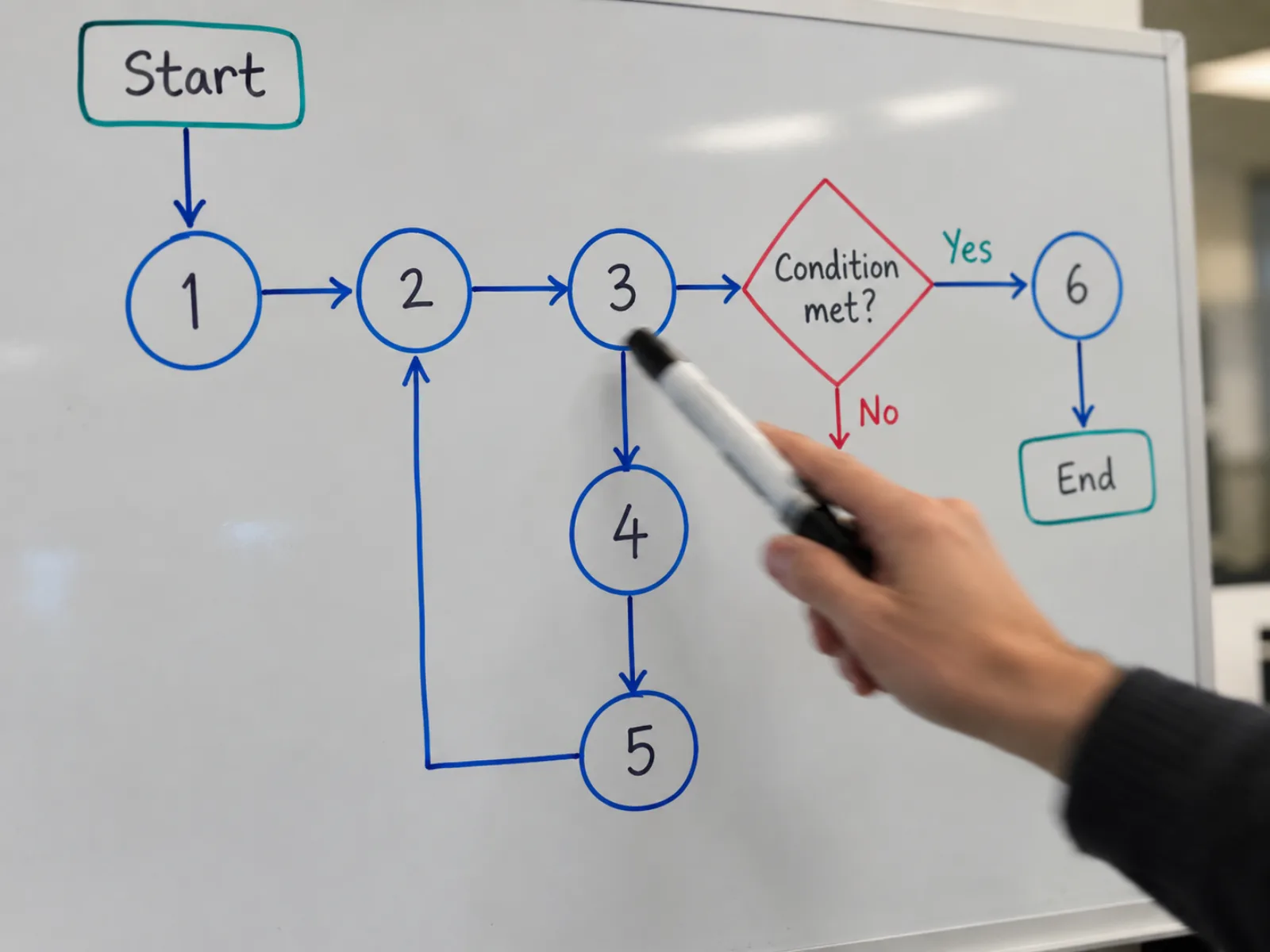
Every box, arrow and connection stays where you put it. The model isn't asked to reinterpret your structure — only to redraw it cleanly and preserve the topology exactly.
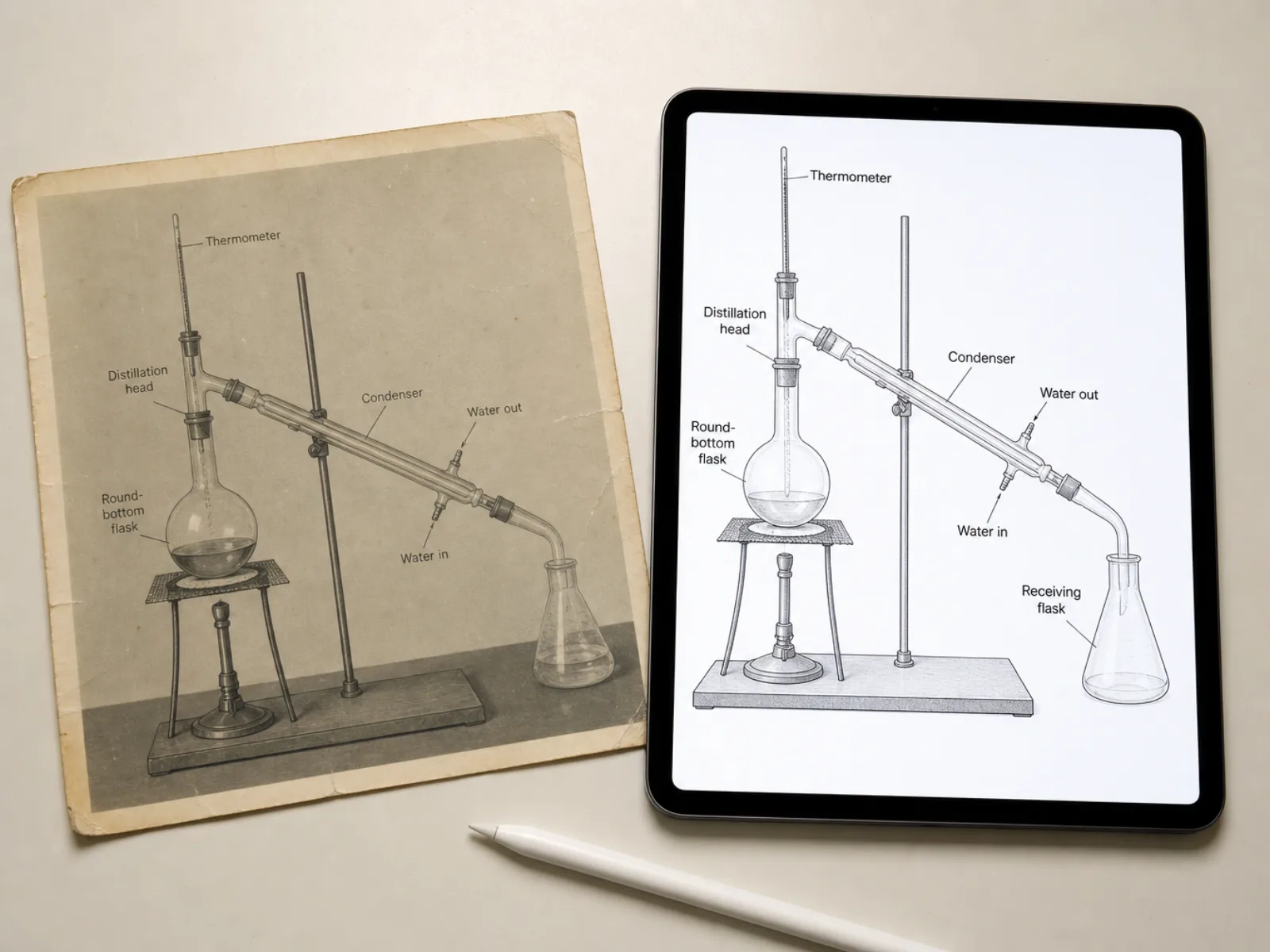
Shadows, paper texture, marker glare and handwriting give way to flat vector shapes and concise 1-3 word labels, so the result reads like a figure and not a photo of one.
Four steps from reference image to a figure you can drop into your manuscript.
Add 1 to 4 photos or sketches — a notebook page, a whiteboard shot, a picture of your apparatus.
A short description tells the model what each shape and label means, so it renders the right terms.
Choose an aspect ratio that matches where the figure is going, then generate.
Export the PNG and place it directly in your manuscript, poster or slide deck.
* Exports high-resolution PNG.
This tool redraws structure — it doesn't analyze data or generate new evidence. Feed it a diagram of a process or setup and it works well; feed it raw data imagery and the redraw can misrepresent your results and break journal image-integrity rules.
Anything where the value is the structure, not the pixels
Raw data images belong in the paper as-is, not redrawn
What people usually ask before uploading a reference photo.
* Exports high-resolution PNG.
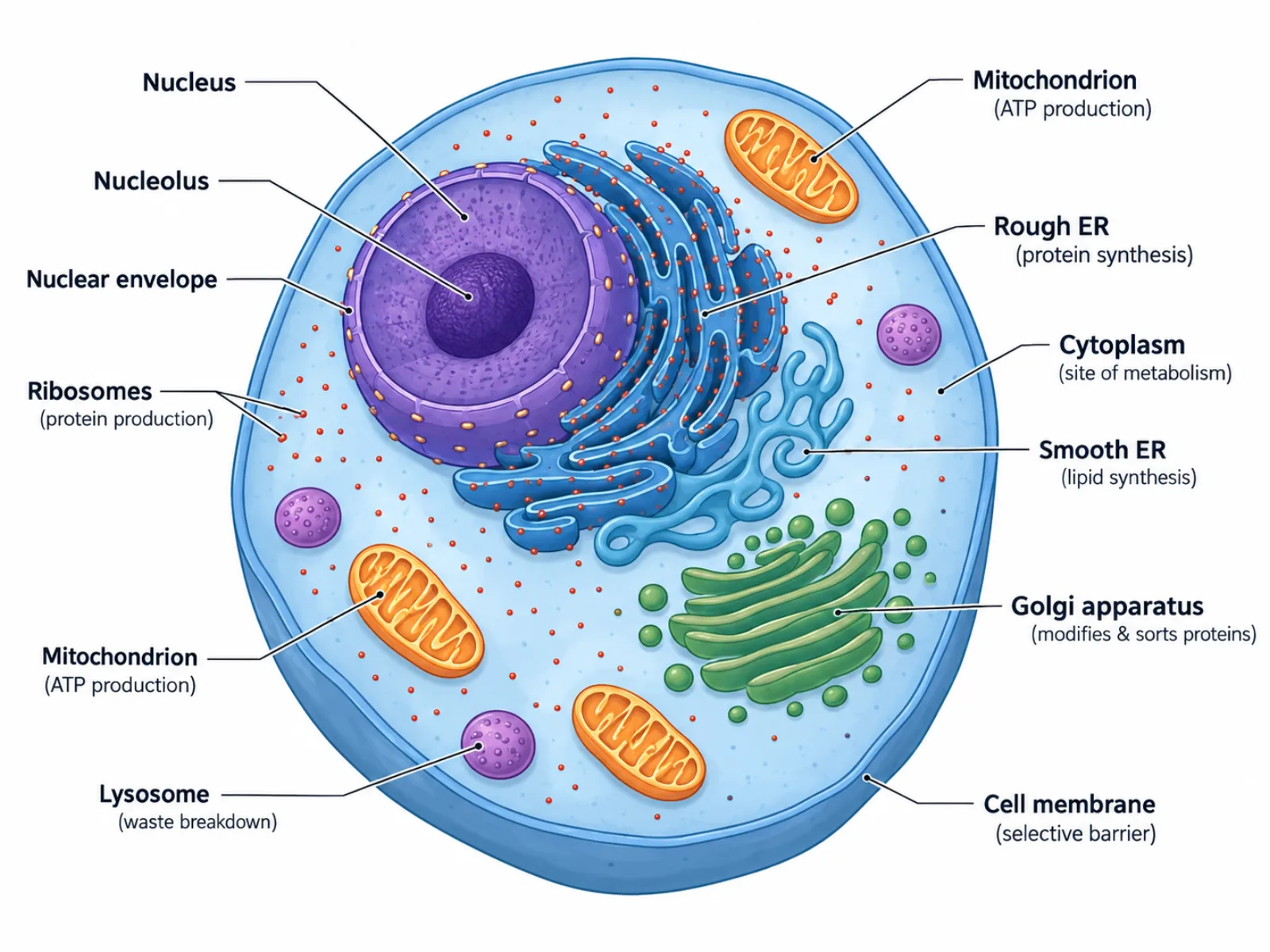
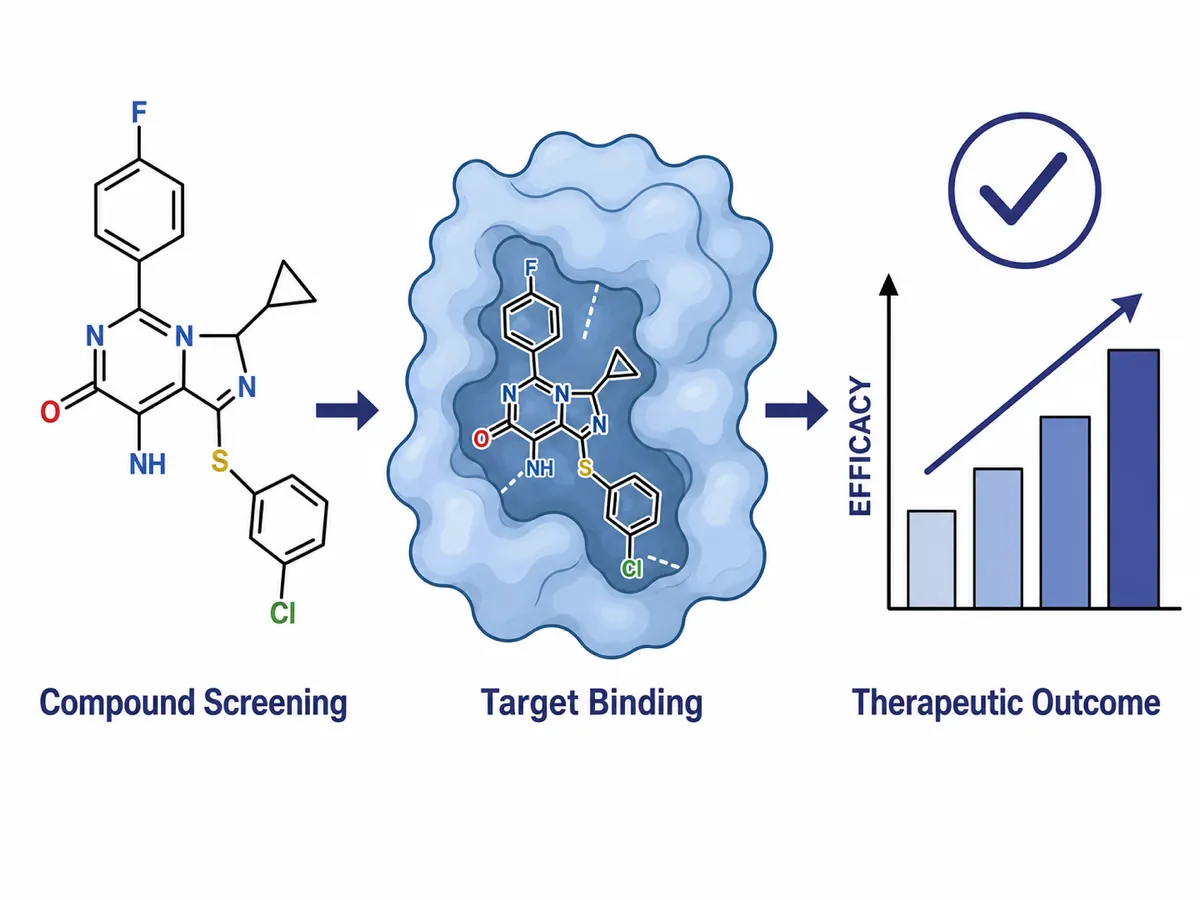
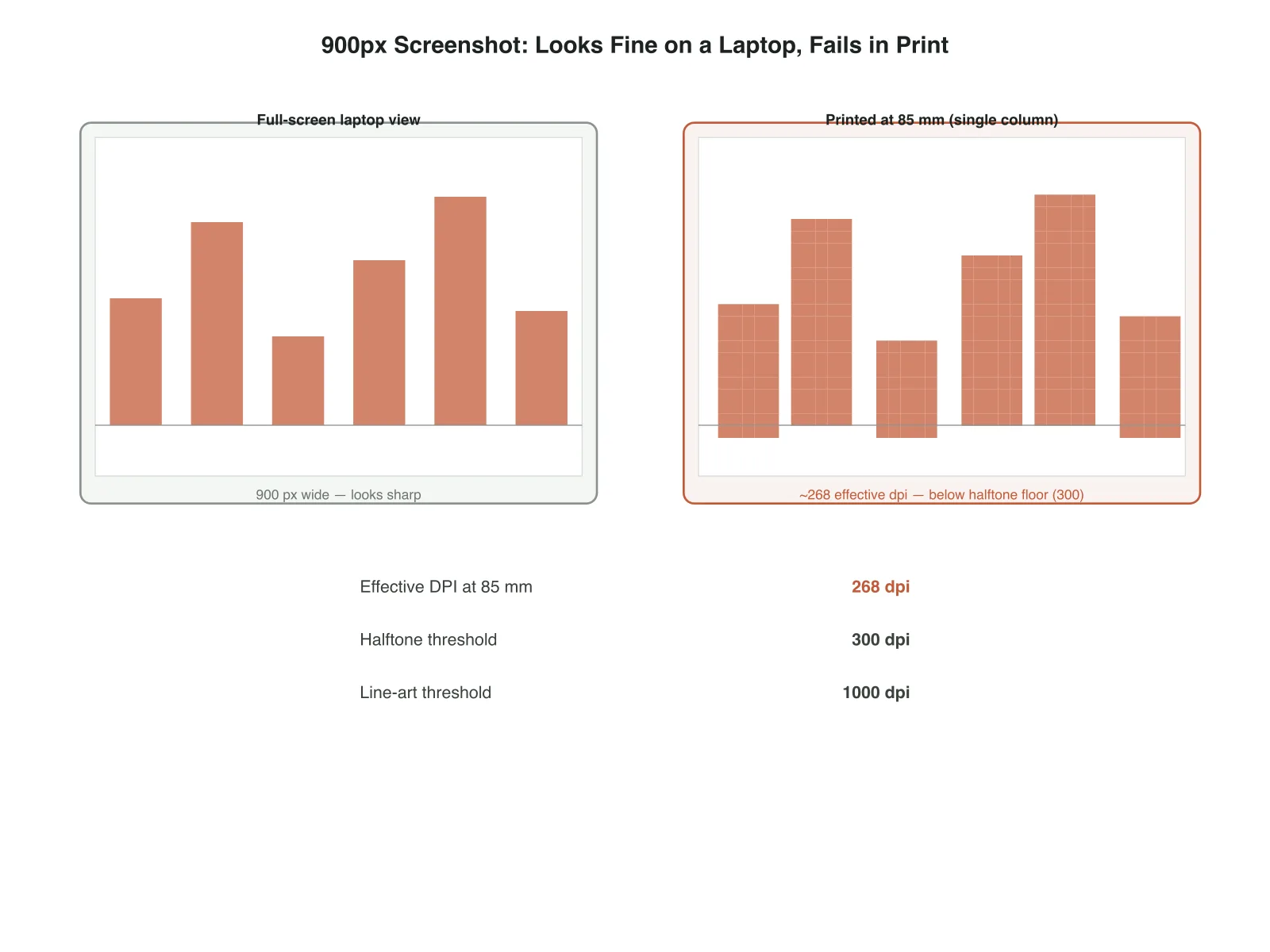
Upload a photo or sketch, describe what it shows, and get a clean scientific figure ready for your manuscript.